Adobe QR Code Generator
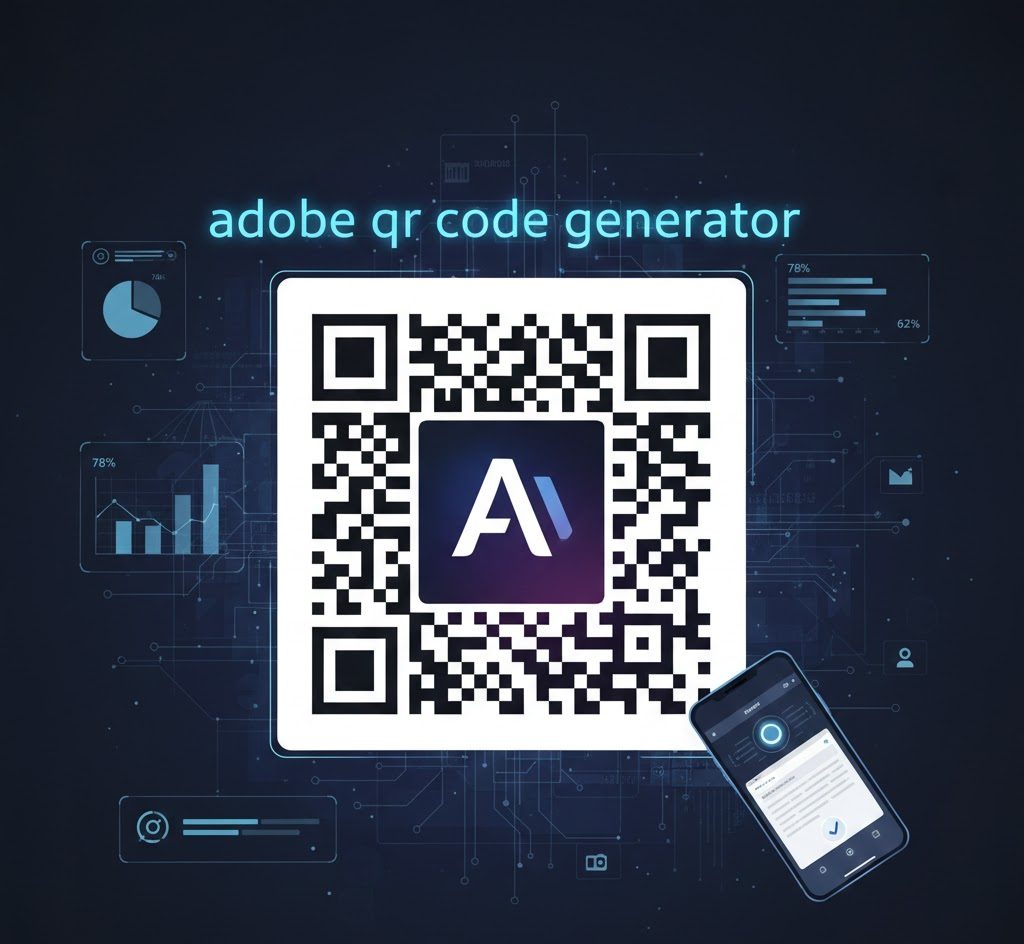
Quick Response codes have transformed digital marketing and customer engagement. The Adobe QR Code Generator delivers a streamlined solution for creating professional scannable codes directly within Adobe Express. Businesses can design, customize, and deploy codes without specialized software or technical expertise.
What the Adobe QR Code Generator Offers
Adobe Express provides a free QR code creation tool with basic customization options. Users can generate codes for website URLs, adjust color schemes, and select from five preset styles.
The platform operates entirely through a web browser. No downloads or installations are required. Users access the generator through their Adobe Express account and produce codes in PNG, JPEG, or SVG formats.
The tool produces static QR codes exclusively. Once generated, the embedded URL cannot be changed. This differs from dynamic codes that allow destination updates after printing.
Integration with Adobe’s ecosystem enables seamless workflow management. Projects sync across devices automatically. Teams collaborate through shared workspace access, similar to how content creators generate voice overs for social media campaigns.
How to Create QR Codes with Adobe Express
Open Adobe Express and navigate to the Quick Actions menu. Select the Generate QR Code option from the available tools.
Enter the destination URL in the provided field. The preview updates instantly. Choose your preferred color from the five available options or input a custom hex code.
Select a style pattern for your code. Options include standard squares, rounded corners, and dot variations. Apply your brand logo if desired, though this requires careful testing to ensure scannability.
Download the finished code in your chosen format. PNG works for digital applications, while SVG maintains quality at any size for print materials. Test the code across multiple devices and scanning apps before deployment.
Marketing teams often combine QR codes with narrative voice content to create compelling campaign materials that drive engagement across channels.
Adobe QR Code Generator Pricing
| Plan Type | Monthly Cost | Code Type | Key Features |
|---|---|---|---|
| Free | $0 | Static Only | Basic customization, standard formats |
| Premium | $9.99 | Static Only | Advanced design tools, templates, cloud storage |
| Teams | $19.99 | Static Only | Shared workspaces, brand kits, collaboration |
Free accounts provide sufficient functionality for basic needs. Premium subscriptions unlock Adobe Express’s full template library and additional design tools. The Teams plan suits organizations requiring centralized brand management.
Adobe does not currently offer built-in analytics or tracking capabilities. Users seeking scan metrics must generate trackable shortened URLs through third-party services before creating QR codes.
Use Cases for Adobe QR Codes
Retail businesses place codes on product packaging to direct customers to detailed specifications, reviews, or promotional offers. Restaurant menus feature codes linking to nutritional information and allergen data.
Event organizers print codes on tickets and promotional materials for streamlined registration and information access. Real estate agents include codes on property listings that connect to virtual tours and additional photos.
Educational institutions use codes to share course materials, assignment instructions, and resource libraries. Healthcare providers distribute codes linking to patient portals and appointment scheduling systems.
Content creators integrate QR codes into video content and presentations, enabling viewers to access supplementary materials. Some pair these with character voice narration for interactive storytelling experiences.
Print Media Applications
Business cards incorporate codes linking to digital portfolios and contact information. Magazine advertisements use codes to track campaign performance and direct readers to landing pages.
Product catalogs feature codes for each item, connecting to e-commerce pages. Trade show materials include codes that capture lead information and provide booth details.
Publishers add codes to book covers linking to author websites and reader resources. Similar to how relaxation audio content enhances user experience, QR codes provide instant access to related materials.
Digital Marketing Integration
Email campaigns embed codes in newsletters for mobile-friendly link access. Social media posts feature codes directing followers to exclusive content and offers.
Digital signage displays codes for instant information retrieval. Webinar presentations include codes linking to referenced studies and additional resources.
Influencers use codes in video descriptions to promote affiliate products. Podcasters share codes for listener feedback forms and community groups, much like streaming content creators engage their audiences.
Limitations to Consider
Static code generation prevents destination updates after printing. Businesses must reprint materials if URLs change. This creates challenges for long-term campaigns and evolving content strategies.
The absence of native analytics requires workarounds. Users must employ URL shortening services or third-party tracking platforms to monitor scan activity, geographic distribution, and device data.
Limited customization options compared to specialized QR code generators restrict creative flexibility. Only five preset colors and three style variations are available without manual editing.
Logo placement requires careful attention to error correction levels. Improper implementation can render codes unscannable. Testing across multiple devices remains essential before deployment.
| Limitation | Impact | Workaround |
|---|---|---|
| Static codes only | Cannot update URLs | Use URL shorteners with redirect capabilities |
| No analytics | Cannot track scans | Generate trackable links before creating codes |
| Basic customization | Limited brand matching | Export SVG and edit in design software |
| Internet required | Cannot work offline | Save generated codes for offline use |
Free tier restrictions limit professional applications. Advanced features like template access and cloud storage require paid subscriptions. Organizations with extensive needs may find value in alternative platforms.
The platform lacks batch generation capabilities. Creating multiple codes requires individual processing. This inefficiency affects businesses managing numerous products or campaigns, unlike automated systems used for synthetic voice generation at scale.
Is the Adobe QR Code Generator Right for You
Adobe Express suits individuals and small businesses requiring occasional QR code creation. The free tier provides adequate functionality for basic website links and simple marketing materials.
Existing Adobe Creative Cloud subscribers benefit from ecosystem integration. Designers working in Illustrator and Photoshop can incorporate generated codes directly into projects without switching platforms.
Organizations prioritizing simplicity over advanced features find value in the streamlined interface. The learning curve is minimal compared to specialized QR code platforms with complex dashboards.
Businesses needing dynamic codes, analytics, or extensive customization should explore alternatives. Platforms offering these features better serve data-driven marketing strategies and long-term campaigns.
The Adobe QR Code Generator delivers reliable performance for straightforward applications. Users seeking professional-grade codes with tracking capabilities and design flexibility may require dedicated QR code solutions. The platform excels at basic code generation while maintaining Adobe’s characteristic polish and ease of use, similar to how popular voice tools provide accessible content creation options.
FAQs
Does the Adobe QR Code Generator create free QR codes?
Yes, Adobe Express offers free QR code generation with basic customization. Users can create unlimited static codes without cost. Premium features require a paid subscription but basic codes remain free indefinitely.
Can I track scans with Adobe QR codes?
No, Adobe Express does not provide built-in scan tracking or analytics. Users must create trackable shortened URLs through third-party services before generating codes. This workaround enables basic scan monitoring and geographic data collection.
Do Adobe QR codes expire?
Adobe QR codes do not expire. Static codes function indefinitely as long as the destination URL remains active. The codes themselves contain permanent data that does not require Adobe servers to operate after generation.
Can I edit my QR code after creating it?
No, Adobe generates static QR codes that cannot be edited after creation. The destination URL is permanently embedded in the code design. Creating a new code with updated information is required for any changes.
What file formats does Adobe QR Code Generator support?
Adobe Express exports QR codes in PNG, JPEG, and SVG formats. PNG and JPEG suit digital applications while SVG maintains vector quality for print materials. All formats download instantly after generation without processing delays.