Why Can’t I Download TikTok
You open your phone’s app store expecting to download TikTok. Instead, the app won’t install or doesn’t appear in search results.
This frustration affects millions of users worldwide. Download failures happen for several reasons, from geographic restrictions to technical glitches.
Understanding why can’t I download TikTok helps you identify the specific problem blocking your access. Most issues have straightforward solutions you can implement yourself.
Geographic blocks, outdated software, account settings, and connectivity problems create most download failures. Each obstacle requires a different approach.
This guide walks you through every major cause and provides clear steps to resolve each one. You’ll learn how to diagnose your specific situation and fix it quickly.
How To Fix Why Can’t I Download TikTok?
Check Your Region’s Availability
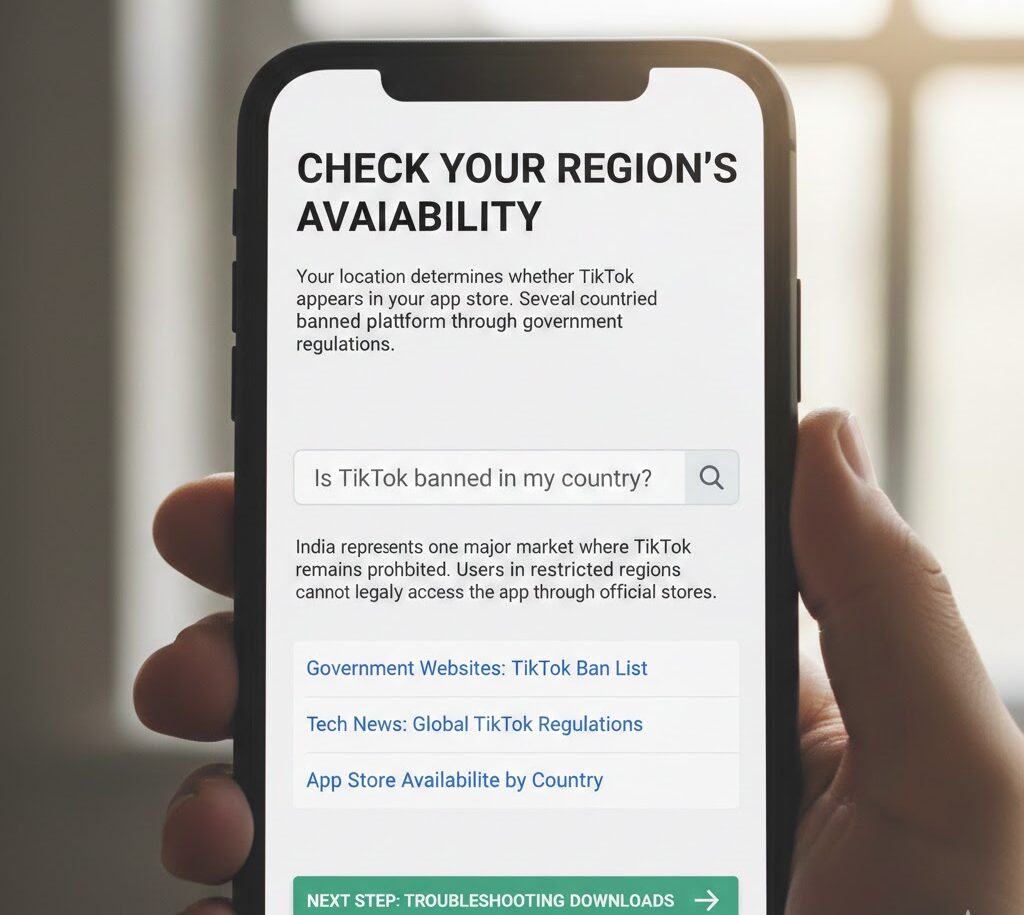
Your location determines whether TikTok appears in your app store. Several countries have banned the platform through government regulations.
India represents one major market where TikTok remains prohibited. Users in restricted regions cannot legally access the app through official stores.
Verify whether your country allows TikTok by searching for recent announcements. Government websites and tech news sources provide current information about bans or restrictions.
If TikTok operates legally in your area but still won’t download, move to the next troubleshooting step.
Update Your Operating System
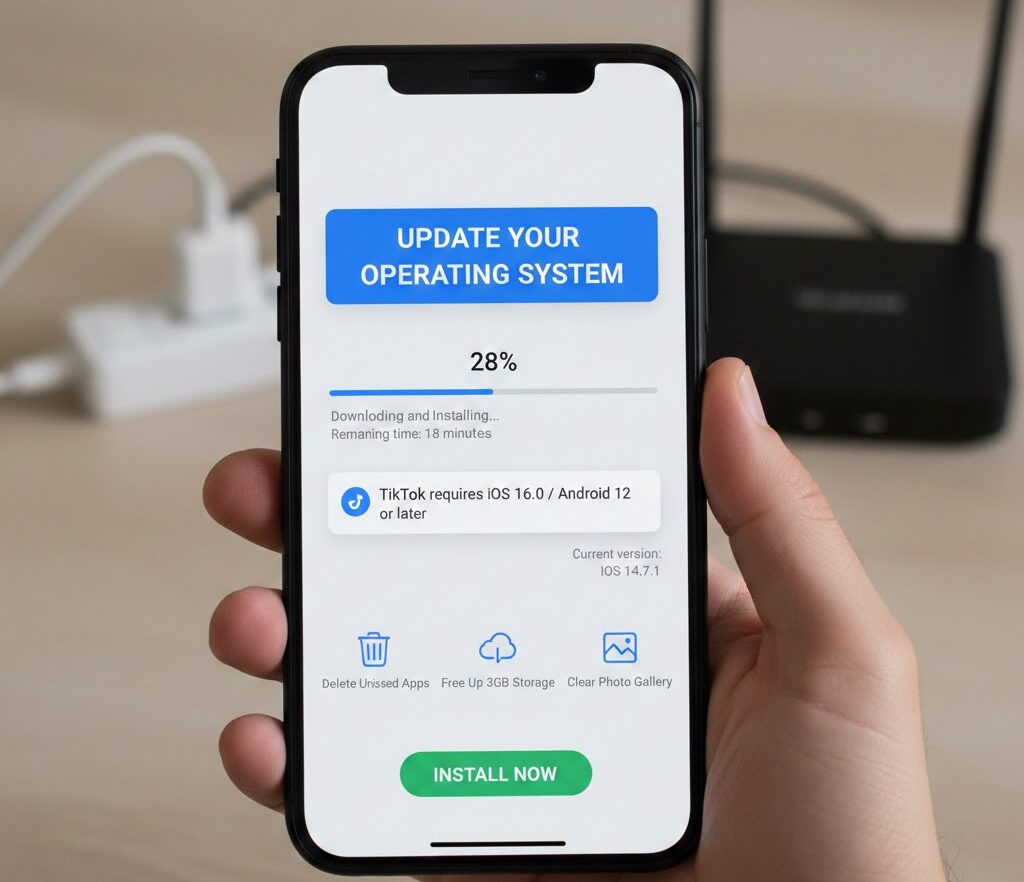
Outdated phones struggle with modern apps. TikTok requires specific minimum system versions to function properly.
Check your current operating system version in your phone’s settings. Compare it against TikTok’s requirements listed in the app store description.
Update your phone to the latest available version. This process takes 15-30 minutes depending on your connection speed and phone model.
Free up at least 3GB of storage space before starting any download. Delete unused apps, clear photo galleries, or move files to cloud storage.
Adjust Your App Store Account Settings
Your Apple ID or Google account region settings must match your physical location. Users with foreign accounts frequently encounter access barriers.
Sign out of your current app store account completely. Create a new account using your actual current country and region.
You can also change your existing account’s region in account settings. Navigate to your profile, select Country/Region, and update it to match where you live now.
Restart your phone after making these changes. Then search for TikTok again in your app store.
Fix Your Internet Connection

Weak or unstable internet creates download failures. Most users overlook this simple cause.
Test your connection by opening websites or streaming videos. Slow loading indicates connectivity problems.
Move closer to your WiFi router if using wireless internet. Walls and distance weaken signals significantly.
Toggle airplane mode on and off to reset your mobile data connection. Wait 10 seconds between turning it off and on.
Restart your router by unplugging it for 30 seconds. This clears temporary glitches in your home network.
Clear App Store Cache (Android)
Android users should clear their Google Play Store data. This resets the app and fixes many technical glitches.
Open Settings and tap Applications. Scroll down and select Google Play Store from your app list.
Tap Storage, then Clear Cache. Next, tap Clear Data to remove all temporary files.
Restart your phone completely after clearing this data. Open Google Play Store and search for TikTok again.
Wait For Platform Issues To Resolve
Apple’s App Store and Google Play Store experience occasional outages. These service disruptions happen without warning.
Check Twitter or Reddit for reports of widespread problems. Tech communities quickly identify and discuss major outages.
Visit downdetector.com and search for your app store. This site tracks real-time service issues reported by users globally.
Wait several hours before trying again if an outage exists. Platform-side problems require no action from you.
Once you successfully install TikTok, explore creative options like text to speech features to enhance your content with unique voiceovers and effects.
FAQs
Why is TikTok not showing in my app store?
Geographic restrictions, account region mismatches, or temporary platform outages prevent TikTok from appearing. Verify your country allows TikTok and confirm your app store account matches your current location.
Does TikTok work on older phones?
TikTok requires updated operating systems to function. Check minimum system requirements in the app store description. Update your phone’s software or consider upgrading your device if it’s too old.
Can VPNs help me download TikTok?
VPNs don’t bypass app store restrictions effectively. App stores detect your account’s registered region, not your apparent location. Change your account settings instead of relying on VPN services.
How much storage does TikTok need?
TikTok requires approximately 200MB for initial installation. You need at least 3GB of free space total for smooth operation and cache storage. Clear unnecessary files before downloading.
What if nothing fixes why can’t I download TikTok?
Contact TikTok support directly through their website or social media channels. They handle complex account-specific issues requiring manual intervention. Platform representatives can identify problems not covered by standard troubleshooting.