How To Repost on TikTok
TikTok launched its popular repost feature in May 2022. This function lets you share videos you enjoy directly with your followers.
The platform hosts over 1.5 billion active users worldwide. Reposting helps you support other creators while keeping your profile active and engaging.
When you repost on TikTok, the video appears on your followers’ For You pages. Your followers see the original creator’s content with a note that you shared it.
The feature works on both mobile devices and desktop browsers. You can use it to build community connections and expand your content variety.
How To Repost on TikTok?
The repost process takes just a few taps. Follow these steps to share content from other creators.
Step 1: Open Your TikTok Feed
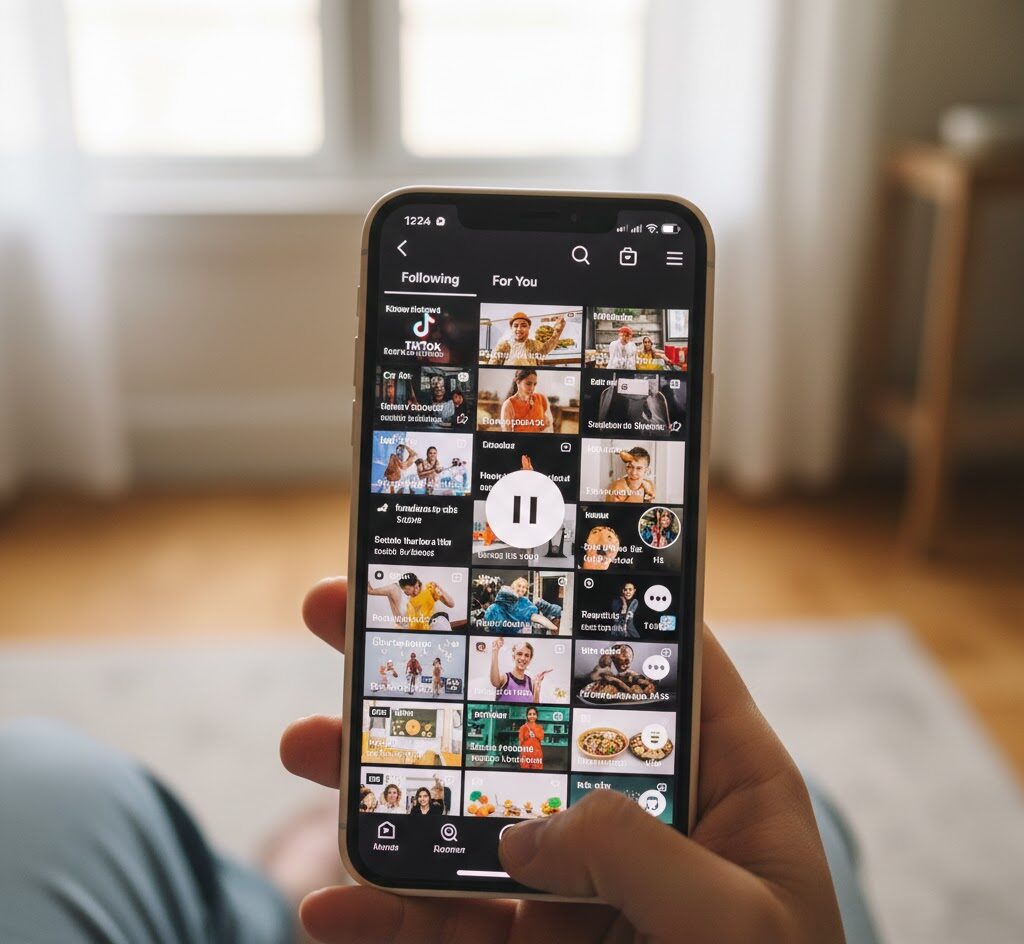
Launch the TikTok app and sign into your account. Navigate to your For You page or Following feed where videos appear.
Step 2: Find the Video You Want to Share
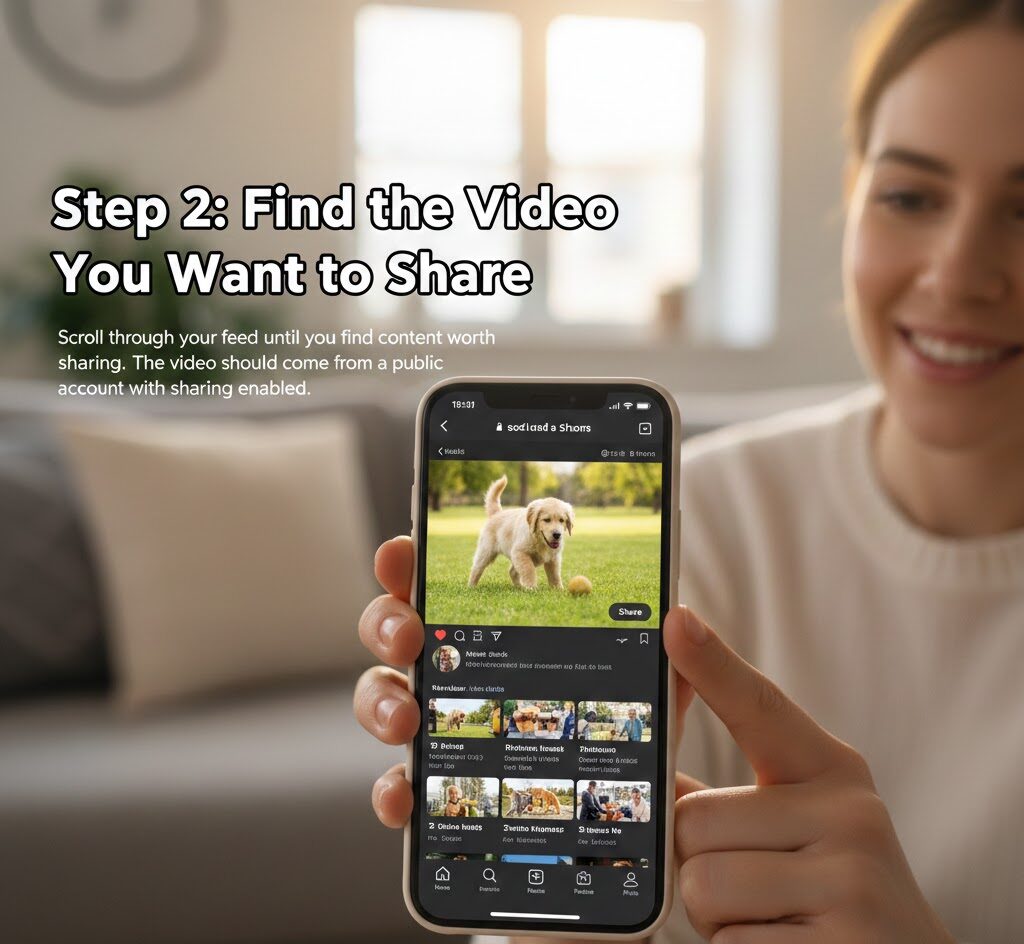
Scroll through your feed until you find content worth sharing. The video should come from a public account with sharing enabled.
Step 3: Tap the Share Arrow
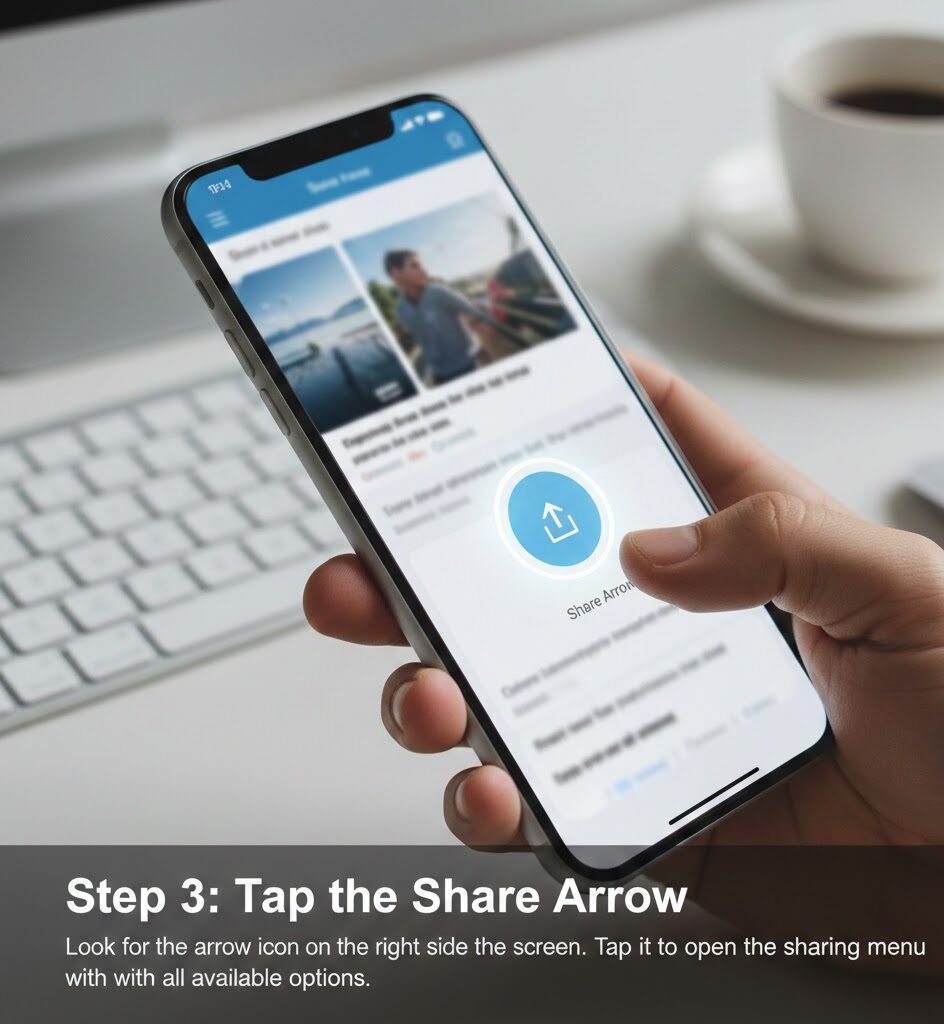
Look for the arrow icon on the right side of the screen. Tap it to open the sharing menu with all available options.
Step 4: Select the Repost Button
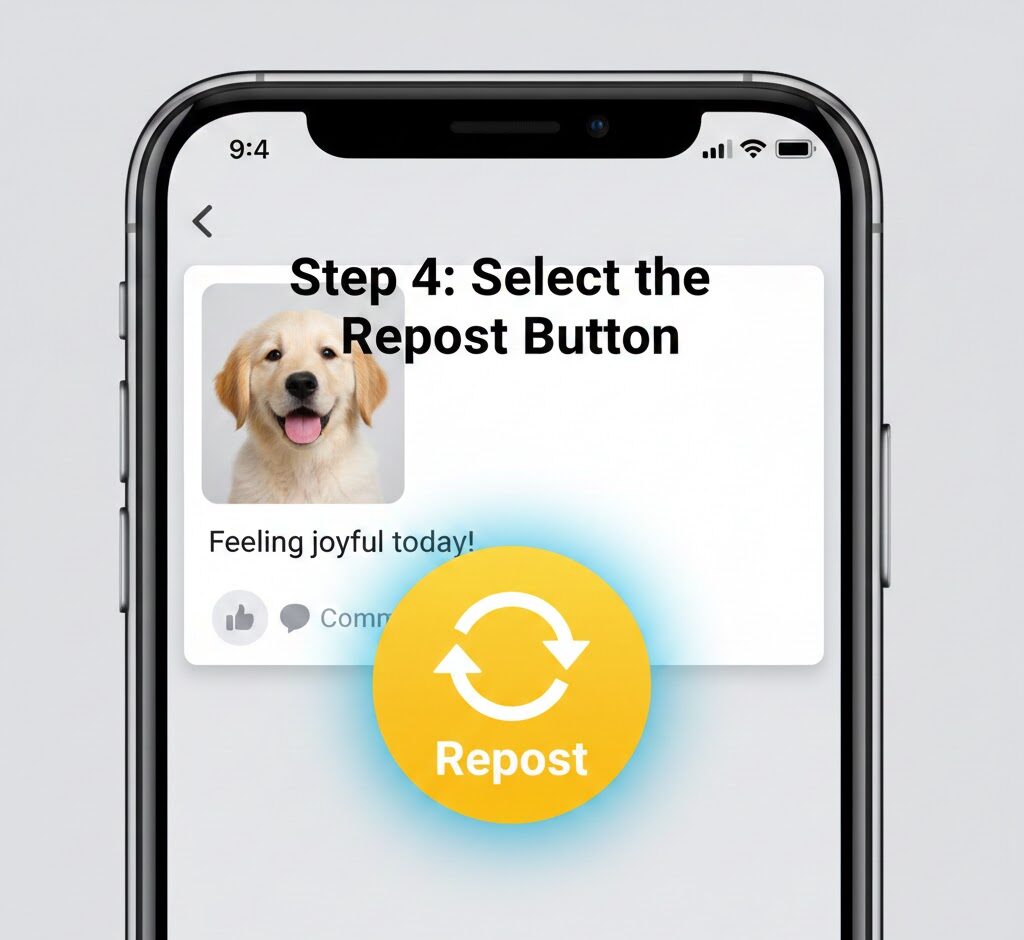
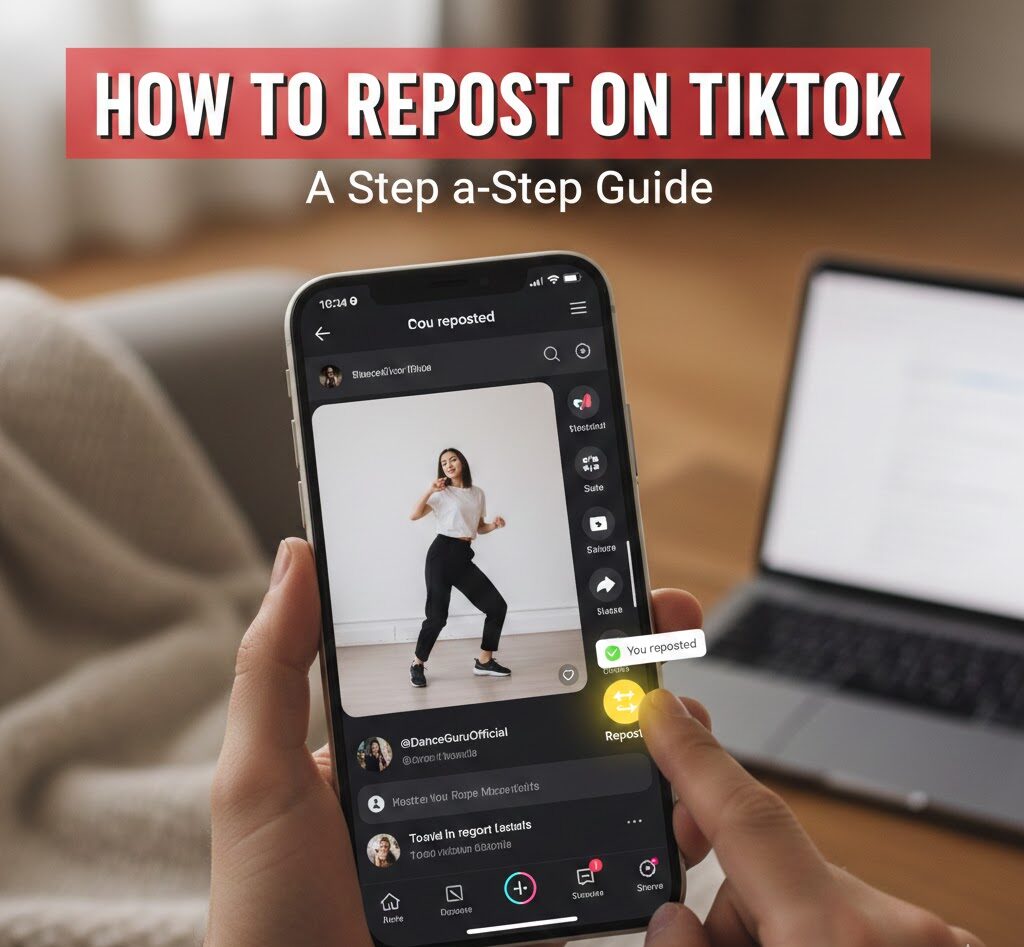
Find the yellow button with white circular arrows labeled “Repost.” Tap it once to complete the action.
Step 5: Confirm the Repost
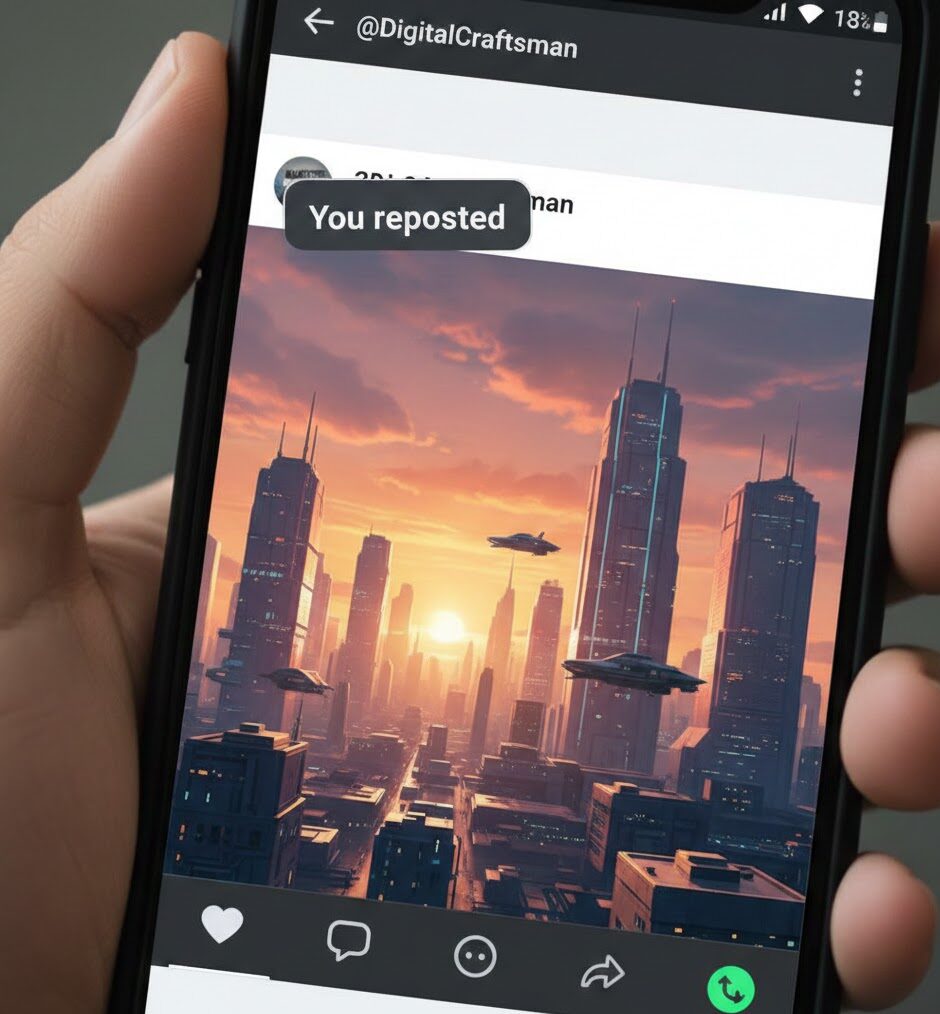
A small notification appears above the creator’s username. It reads “You reposted” to confirm the action worked.
The reposted video now shows on your followers’ feeds. It appears in a dedicated tab on your profile for public accounts. Private profiles only display reposts to approved followers.
You can add TikTok voice overs to your own content before sharing across platforms. Consider posting during optimal engagement windows to maximize visibility.
Some creators disable the repost option on their videos. If you don’t see the yellow button, the creator has restricted sharing permissions. You can use the Duet or Stitch features instead when available.
To undo a repost, tap the share arrow again and select the repost button a second time. The video disappears from your repost collection immediately.
FAQs
Can I repost on TikTok from a private account?
Yes. You can repost videos to your followers. However, only your approved followers see the reposted content. Public accounts share reposts with everyone.
Why can’t I see the repost button on TikTok?
The creator disabled resharing for their video. Alternatively, your app needs updating. Clear your cache or reinstall TikTok to fix technical issues.
Do creators know when I repost their TikTok videos?
Yes. Creators receive notifications when someone reposts their content. They can see who shared their video through the notification tab.
Where do reposted TikTok videos appear?
Reposted videos show on your followers’ For You pages. They also appear in a dedicated reposts section on your profile page.
Can I add a caption when I repost on TikTok?
No. The standard repost feature shares videos without custom captions. Use Duet or Stitch features if you want to add your own commentary.