How to Recover a TikTok Account
Losing access to your TikTok profile happens for many different reasons. You might forget your password, accidentally delete your account, or receive an unexpected suspension notice from the platform team.
The good news is that TikTok offers several ways to regain access quickly and easily. Password resets work through email or phone verification codes. Deleted accounts remain recoverable for up to 30 days after removal from the system.
Understanding how to recover a TikTok account saves you from losing your valuable followers, videos, and hard earned engagement history. This guide covers every single recovery method available on the platform today.
How to Recover a TikTok Account?
The recovery process depends on your specific situation. Follow the steps that match your circumstances.
Reset Your Password on Mobile
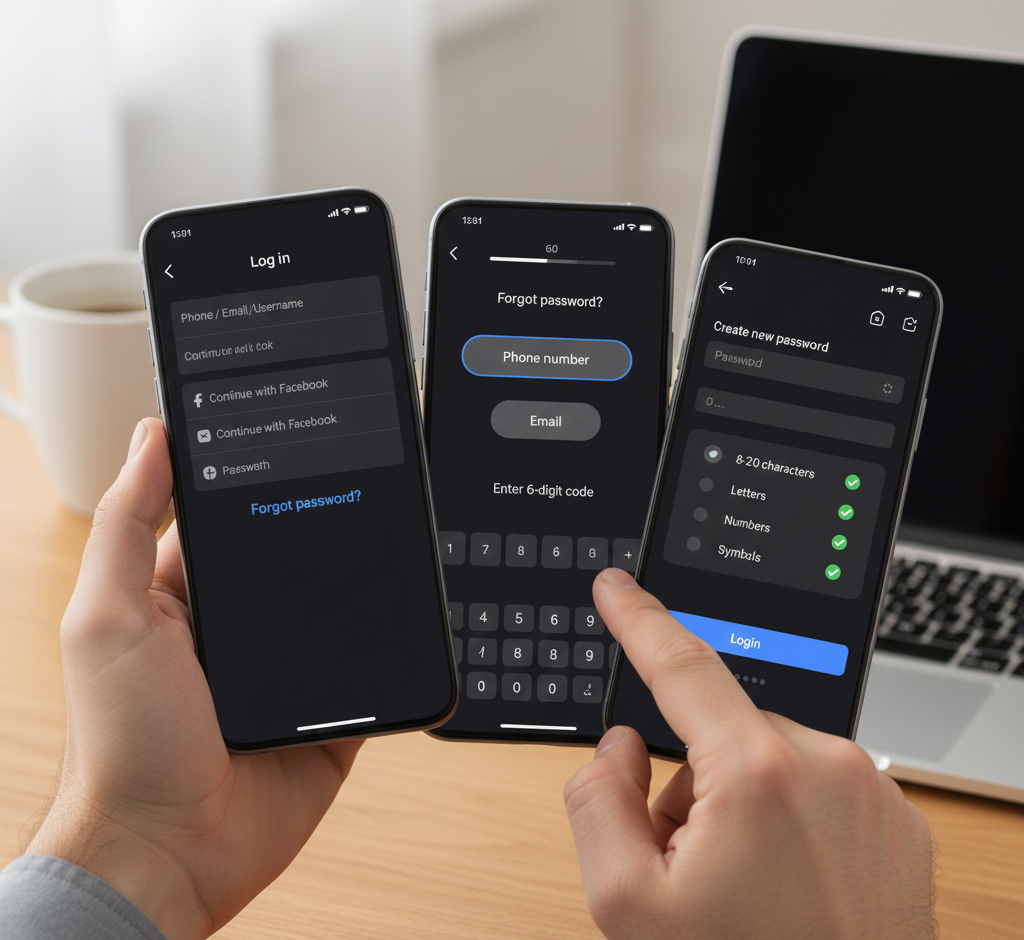
Open the TikTok app and tap the login button. Select the phone, email, or username option on the screen.
Tap “Forgot password?” below the password field. Choose whether you want a code sent to your email or phone number.
Enter the six digit code within 60 seconds. Create a new password using 8 to 20 characters with letters, numbers, and symbols.
Tap login to access your account with the new password.
Reset Your Password on Desktop
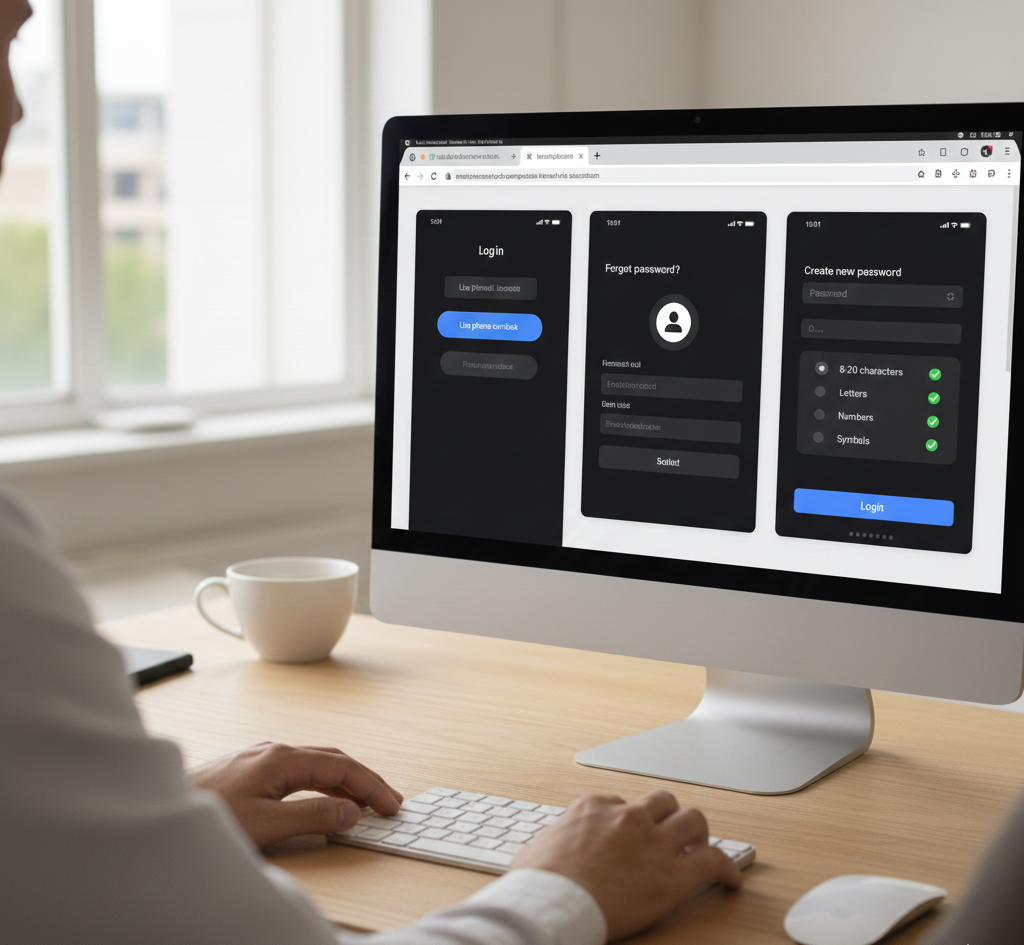
Visit the TikTok website and click the login button. Select “Use phone/email/username” from the options.
Click “Forgot password?” and enter your registered email or username. TikTok sends a verification code to your inbox or phone.
Type the code on the website and create your new password. Submit to complete the recovery process.
Restore a Deleted Account
TikTok gives you 30 days to change your mind after deleting your account. During this window, recovery takes just seconds.
Log in with your original username and password. The system shows a deactivation notice on your screen.
Click “Reactivate” to restore your profile, videos, and followers. After 30 days pass, permanent deletion occurs and recovery becomes impossible.
Appeal a Suspended Account
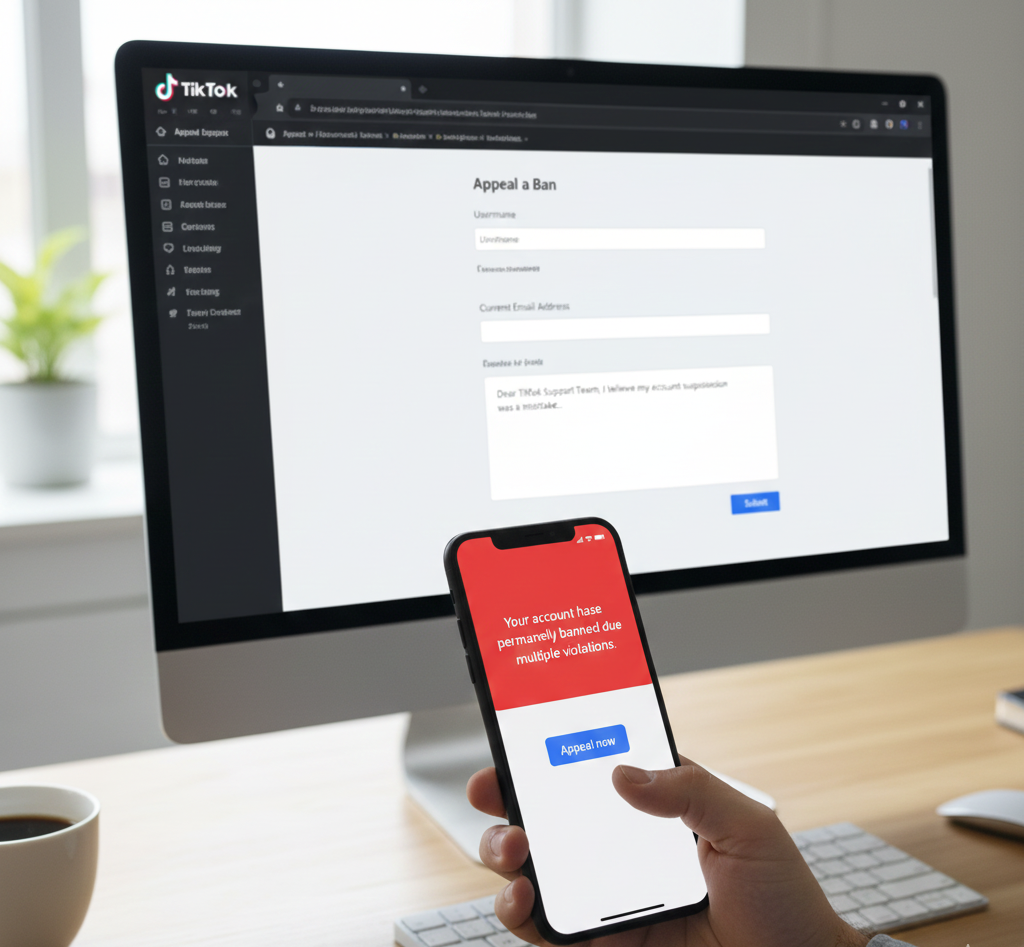
Banned users receive notifications through the app or email. The notification includes an appeal link you can use.
Click the appeal option and complete the form with your explanation. Describe why you believe the suspension was a mistake.
You can also email [email protected] directly. Ask followers to contact TikTok support on your behalf for additional pressure.
Wait 2 to 4 weeks for a response on ban appeals.
Recover Without Original Details
Visit the TikTok feedback portal on their legal page. Select “General account inquiry” from the dropdown menu.
Provide your current email address and username. Explain that you lost access to your password, email, and phone number.
Request alternative verification methods in your message. Response times range from 3 to 6 weeks for general inquiries.
Clear your app cache before attempting recovery. Check your internet connection to ensure verification codes arrive properly.
If you suspect someone blocked you on TikTok rather than having an account issue, check from another profile first.
FAQs
How long do I have to recover a deleted TikTok account?
You have exactly 30 days to recover a deleted TikTok account. Log in with your original credentials during this period to reactivate everything. After day 31, permanent deletion occurs.
Can I recover a TikTok account without email or phone?
Yes. Submit a general inquiry through TikTok’s feedback portal. Provide your username and explain your situation. Support may offer alternative verification methods.
How long does TikTok take to respond to ban appeals?
TikTok typically responds to ban appeals within 2 to 4 weeks. Submit appeals through multiple channels for faster results. Email support directly and use the in app appeal option.
What happens to my followers if I recover my account?
Your followers remain intact when you recover a TikTok account. All videos, likes, comments, and engagement history restore automatically. Nothing changes from your perspective.
Can I recover a permanently banned TikTok account?
Permanent bans are difficult to reverse. Submit detailed appeals explaining the situation. Provide evidence supporting your case. Some users succeed after multiple appeal attempts.