How to Know if Someone Blocked You on TikTok
TikTok doesn’t send notifications when someone blocks you. The platform keeps blocking actions private to protect user safety and prevent confrontations.
This leaves you guessing about your status with other users. You won’t receive any alert or message confirming the restriction.
Several signs reveal if someone has blocked your account. These indicators appear when you try to view their profile or interact with their content.
Understanding these signals helps you determine your access status without direct confirmation from the platform.
How to Know If Someone Blocked You on TikTok?
TikTok makes blocking detection difficult, but specific methods reveal the truth. Check these indicators to determine if someone restricted your access.
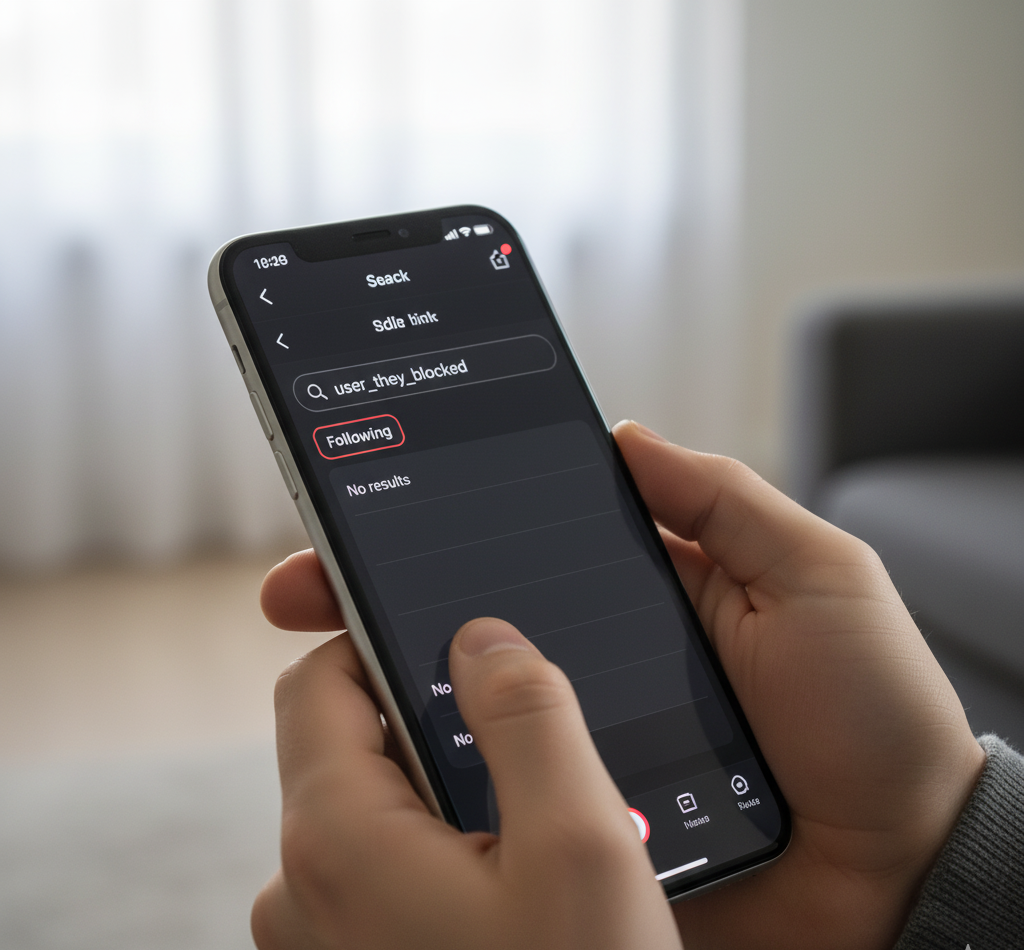
Check Your Following List
Open your TikTok profile and tap the “Following” button. Search for the person’s username in your connections list.
Their profile disappears from your following list after blocking you. This works only if you previously followed them.
The vanishing act serves as a strong indicator of blocking activity.
Search for Their Username
Tap the magnifying glass icon to access the search function. Enter their exact username in the search field.
A blocked account appears in search results but looks completely empty. You’ll see their profile with no visible content or information.
Their bio, videos, and profile statistics won’t display on the page.
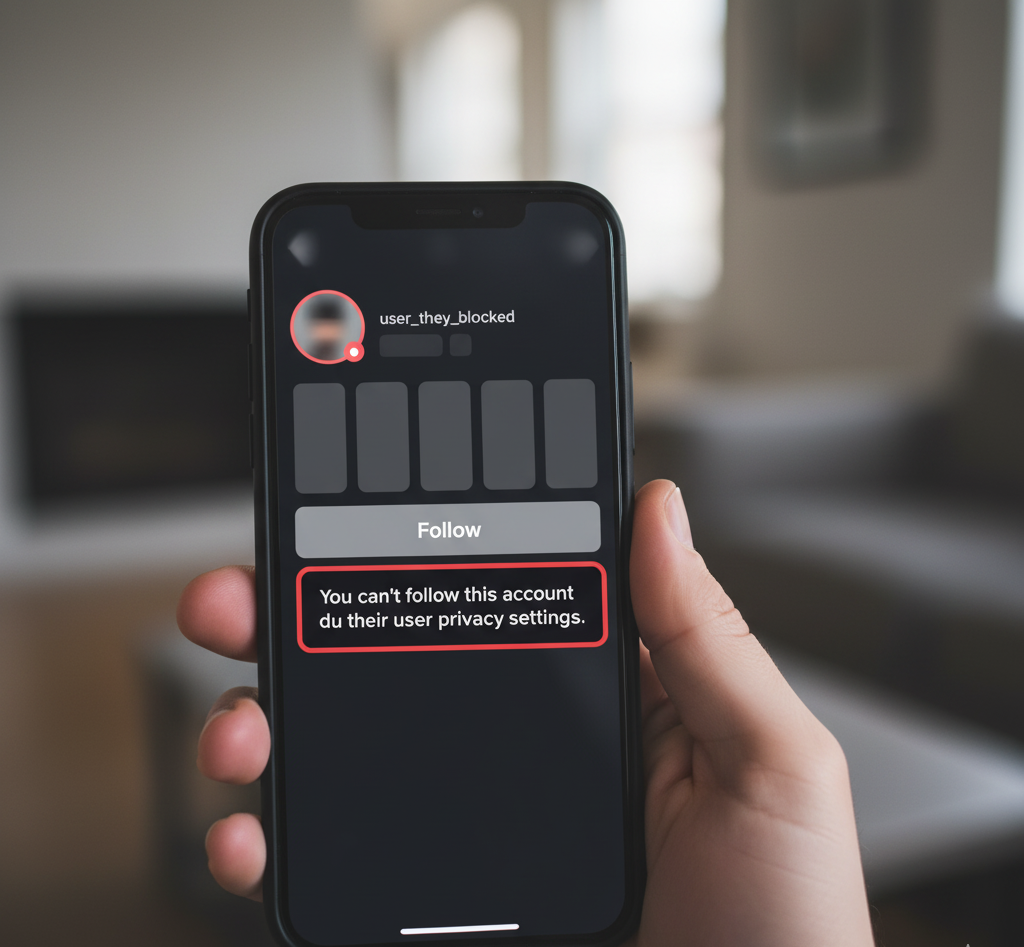
Try to Follow Them
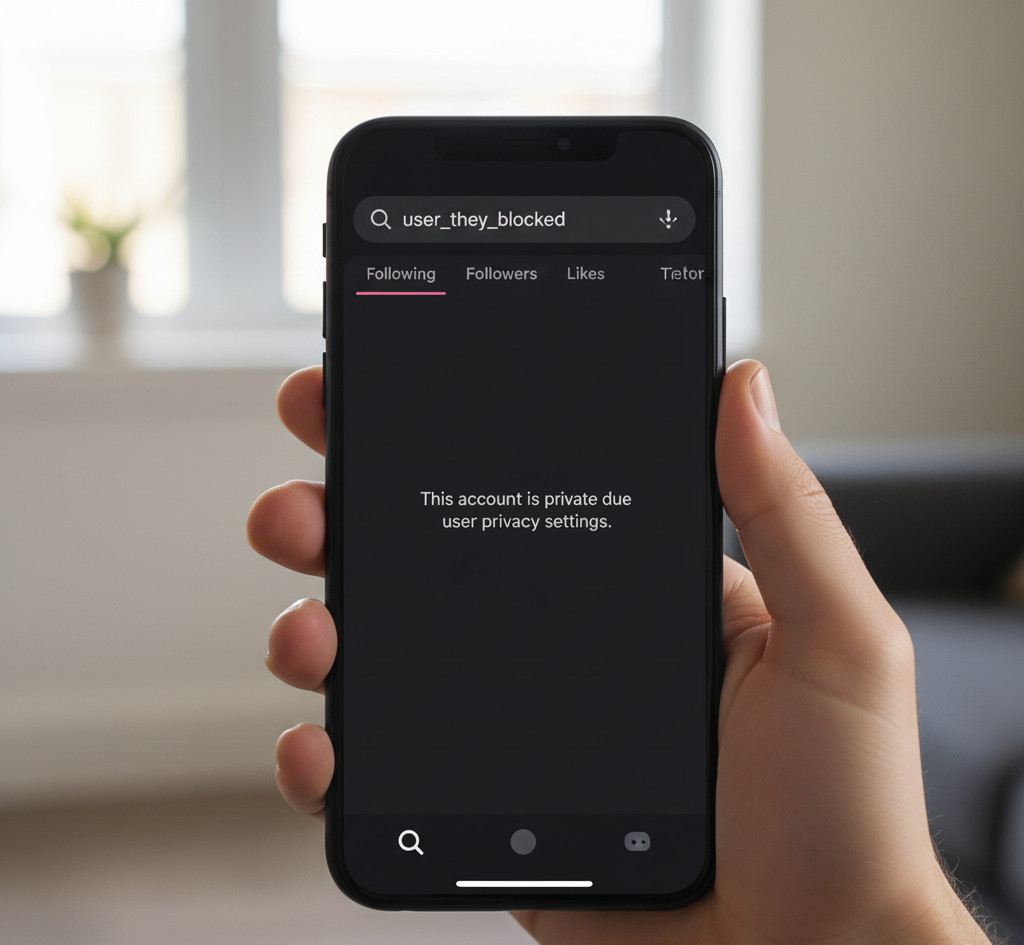
Navigate to their profile page through search results. Tap the follow button to test your access.
You’ll see a specific error message if they blocked you. The message states: “You can’t follow this account due to their user privacy settings.”
A private account allows you to send a follow request. A blocked account prevents all following attempts.
Review Past Interactions
Open your notifications by tapping the speech bubble icon. Look for previous comments, mentions, or tags involving the suspected blocker.
Try accessing those videos or interactions. Content that previously loaded now shows errors or refuses to display.
This inability to view past interactions suggests restricted access.
Ask a Mutual Friend
Request a mutual connection to search for the profile. Ask them to describe what they see on the account.
They can view the profile normally if you’re blocked. You cannot access the same content they’re viewing.
This comparison eliminates confusion about privacy settings versus personal restrictions.
Understand the Difference
Private accounts differ from blocked accounts in key ways. Private profiles show a “Private Account” label and display follower counts.
Blocked accounts hide all statistics and show generic privacy messages. Private accounts accept follow requests while blocked accounts reject them entirely.
The error message text confirms which situation you’re facing.
FAQs
Does TikTok notify you when someone blocks you?
No, TikTok doesn’t send notifications when someone blocks you. The platform keeps blocking actions private to prevent confrontations and protect user privacy.
Can you see someone’s profile if they blocked you?
Yes, you can find their profile through search, but it appears empty. Their bio, videos, follower counts, and all content remain hidden from your view.
What happens to messages when someone blocks you on TikTok?
Previous messages remain visible in your chat history. However, you cannot send new messages to the person who blocked you on the platform.
Can someone who blocked you see your TikTok videos?
No, blocking is mutual on TikTok. When someone blocks you, they cannot see your videos, and you cannot view their content or profile information.
How is blocking different from a private account?
Private accounts allow follow requests and display follower counts. Blocked accounts prevent following attempts entirely and hide all profile statistics with privacy error messages.