How To Get TikTok Back On iPhone
Lost access to TikTok on your iPhone? You can restore the app quickly using several reliable methods.
Whether the app disappeared from your home screen, got accidentally deleted, or stopped working after an update, getting TikTok back on iPhone is straightforward.
The most common causes include unintentional removal, software glitches, or insufficient storage space.
Most users can restore their TikTok app within minutes using the App Store. Other solutions include checking Screen Time restrictions or freeing up storage.
You’ll be back to scrolling through videos and creating content once you follow the right steps.
How To Get TikTok Back On iPhone?
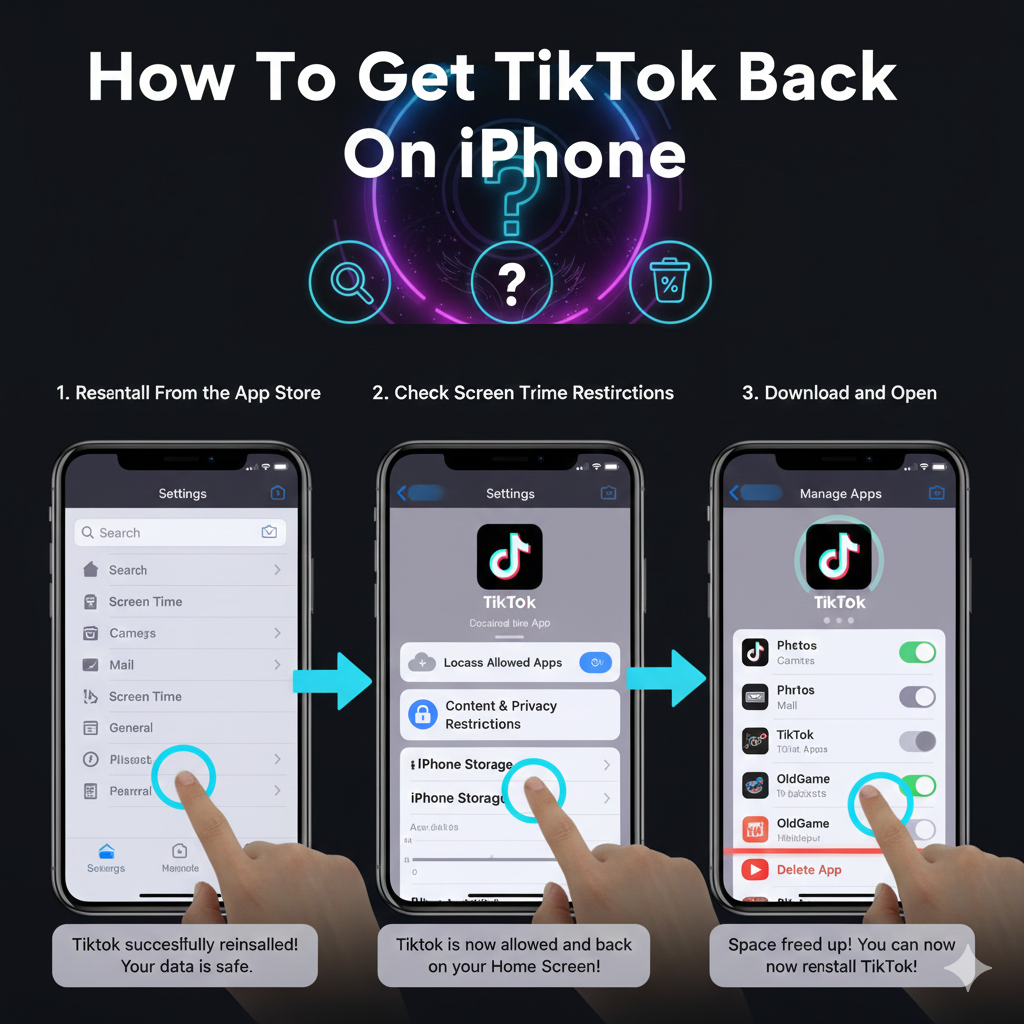
Reinstall From the App Store
Open the App Store on your iPhone. Tap the search icon at the bottom of the screen.
Type “TikTok” into the search bar. Look for the official app with the black and blue icon.
If you previously had the app, you’ll see a cloud icon with a download arrow instead of “Get.” Tap the cloud icon to start the download. The app will reinstall automatically with your previous account data intact.
Check Screen Time Restrictions
Screen Time settings can hide apps without deleting them. Go to Settings and tap Screen Time.
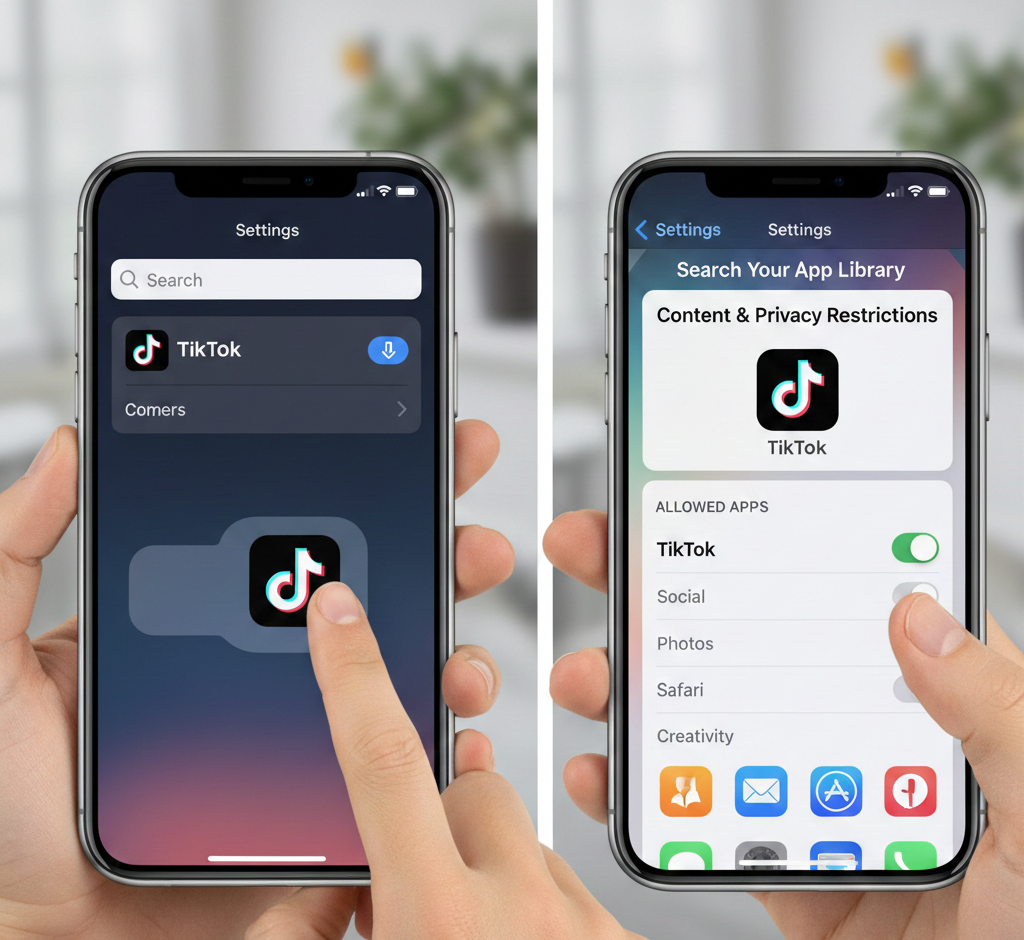
Select Content & Privacy Restrictions. Tap Allowed Apps.
Make sure the toggle next to TikTok is turned on. If it’s off, enable it and the app will reappear on your home screen.
Free Up Storage Space
TikTok requires at least 200MB of free space to install and run properly. Check your available storage in Settings.
Go to Settings, then General, then iPhone Storage. Review which apps and files use the most space.
Delete unused apps, old photos, or cached data. Once you have enough space, try reinstalling TikTok from the App Store.
Update iOS Software
Outdated software creates compatibility problems with apps. Open Settings and tap General.
Select Software Update. If an update is available, tap Download and Install.
Let your iPhone restart after the update completes. Try opening TikTok or reinstalling it from the App Store after your device is updated.
Search Your App Library
Sometimes apps move to different screens rather than disappearing completely. Swipe left past your last home screen to access the App Library.
Use the search bar at the top to type “TikTok.” If the app appears, press and hold its icon, then drag it back to your home screen.
Restart Your iPhone
A simple restart fixes many temporary glitches. Press and hold the power button and volume button simultaneously.
Slide the power off option. Wait 30 seconds before turning your device back on.
Check if TikTok appears on your home screen after the restart. This clears minor software bugs that can hide apps.
Sign Back Into Your Account
If you deleted your TikTok account but changed your mind, you can recover it within 30 days. Open the app after reinstalling it.
Tap the login option and enter your previous username and password. Your profile, followers, and content will return if you’re within the recovery window.
After 30 days, deleted accounts become permanent. You’ll need to create a new account if this happens.
Once you get TikTok back on iPhone, you can enhance your videos with creative tools. Many creators use funny voices to add humor to their content or singing voices to create unique musical clips. Character voices like Disney and Ghostface are trending options for storytelling videos.
FAQs
Why did TikTok disappear from my iPhone?
TikTok disappears due to accidental deletion, Screen Time restrictions, insufficient storage, or software glitches. Check your App Library first before assuming the app was completely removed from your device.
Can I recover my TikTok account after deleting it?
Yes, you can recover deleted TikTok accounts within 30 days. Log back in using your original credentials after reinstalling the app. After 30 days, account deletion becomes permanent.
How much storage does TikTok need on iPhone?
TikTok requires approximately 200MB minimum to install and function properly. The app size increases as you save videos and cache data. Clear old content regularly to maintain enough space.
Does reinstalling TikTok delete my videos?
No, reinstalling TikTok from the App Store does not delete your posted videos or account data. Everything syncs back automatically when you log in with your existing account credentials.
What iOS version does TikTok require?
TikTok requires iOS 11 or later to function properly. Check your current iOS version in Settings under General and Software Update. Older iPhones struggle with newer TikTok updates.