How To Delete A TikTok Video?
Deleting content from your TikTok account is straightforward once you understand the process.
Whether you posted something by mistake, want to remove underperforming content, or simply changed your mind about sharing a particular video, the platform lets you remove it permanently in just seconds.
This guide walks you through how to delete a TikTok video from your profile step by step. The process works the same way on both iPhone and Android devices. You need just a few quick taps to remove any video from your account.
Once deleted, the content disappears from your profile immediately and cannot be recovered.
How To Delete A TikTok Video?
Open the TikTok App
Find the TikTok icon on your device’s home screen or app drawer. Tap it to launch the application.
Access Your Profile
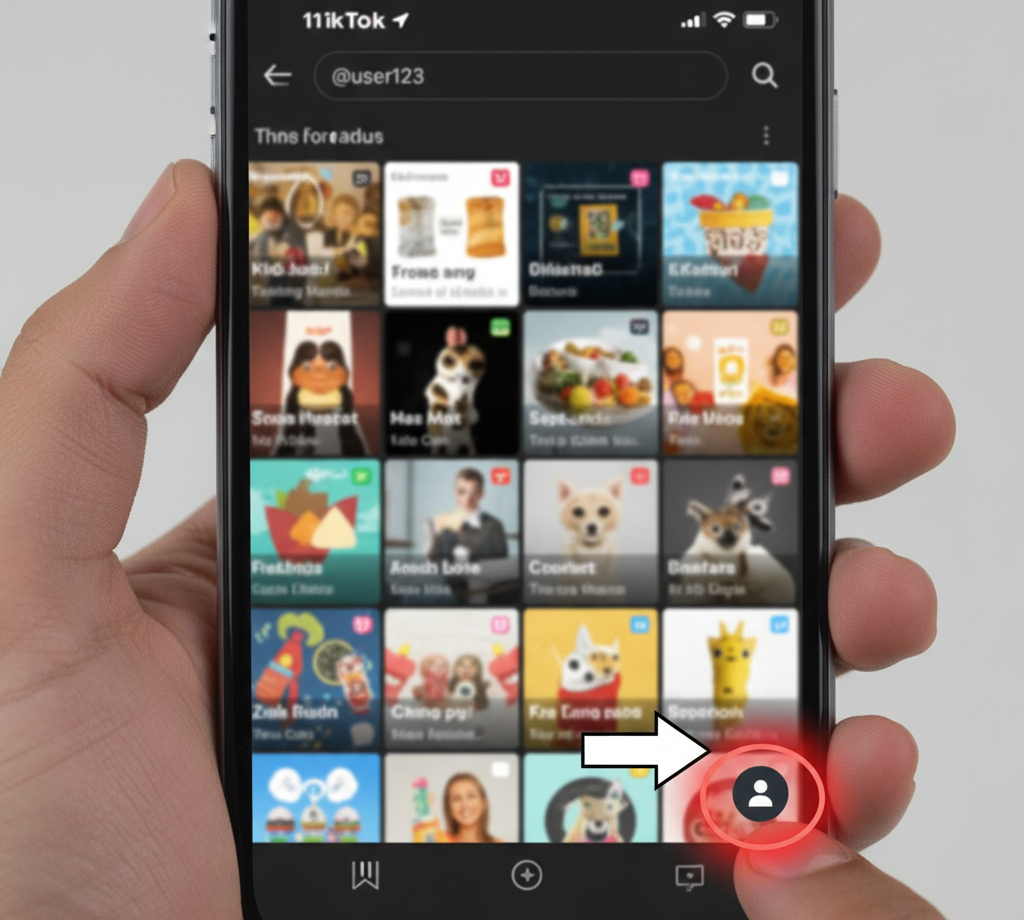
Look at the bottom navigation bar on your screen. Tap the profile icon in the bottom right corner to open your account page where all your videos appear.
Select the Video You Want to Remove
Scroll through your uploaded content until you find the video you want to delete. Tap on it once to open it in full screen.
The video starts playing automatically. This ensures you selected the correct content before removing it.
Open the Options Menu

Look at the right side of your screen for the menu button. iPhone users tap the arrow-shaped share icon. Android users tap the three horizontal dots.
Tap the Delete Button
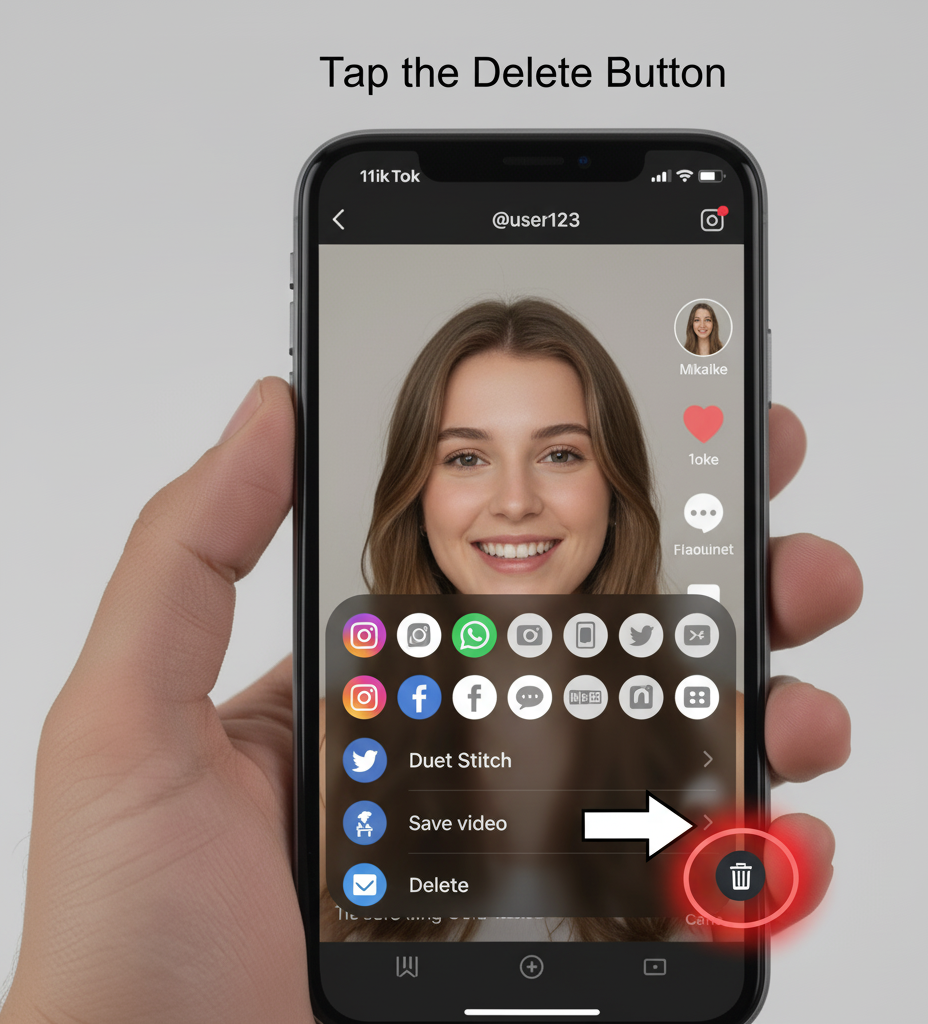
A menu slides up from the bottom of your screen with various options. Look for the Delete button among the choices displayed. On iPhones, this appears as the final option in the second row. Android devices show it as the last icon in the row.
Confirm Your Decision
TikTok asks you to confirm before removing the video. This prevents accidental deletions. Tap the confirmation button to complete the process.
Your video disappears immediately from your profile.
The deletion is permanent and cannot be undone. All engagement metrics including views, likes, comments, and shares are lost forever. Download your video before deleting if you think you might want it later.
FAQs
Can I recover a deleted TikTok video?
No, deleted TikTok videos cannot be recovered. The platform does not store deleted content in any folder or backup system. Deletion is permanent and final.
Does deleting a TikTok video remove comments?
Yes, deleting a TikTok video removes all associated data including comments, likes, shares, and views. Everything connected to that video disappears completely from the platform.
How long does it take to delete a TikTok video?
Deletion happens instantly after you confirm your decision. The video disappears from your profile immediately and becomes unavailable to all viewers within seconds of confirmation.
Can other users still see my video after deletion?
No, the video becomes invisible to everyone immediately after deletion. It disappears from your profile, the For You page, search results, and any shares or duets.
Is the deletion process different on iPhone vs Android?
The process is nearly identical on both platforms. The only difference is the menu icon: iPhones use an arrow icon while Android devices use three dots.