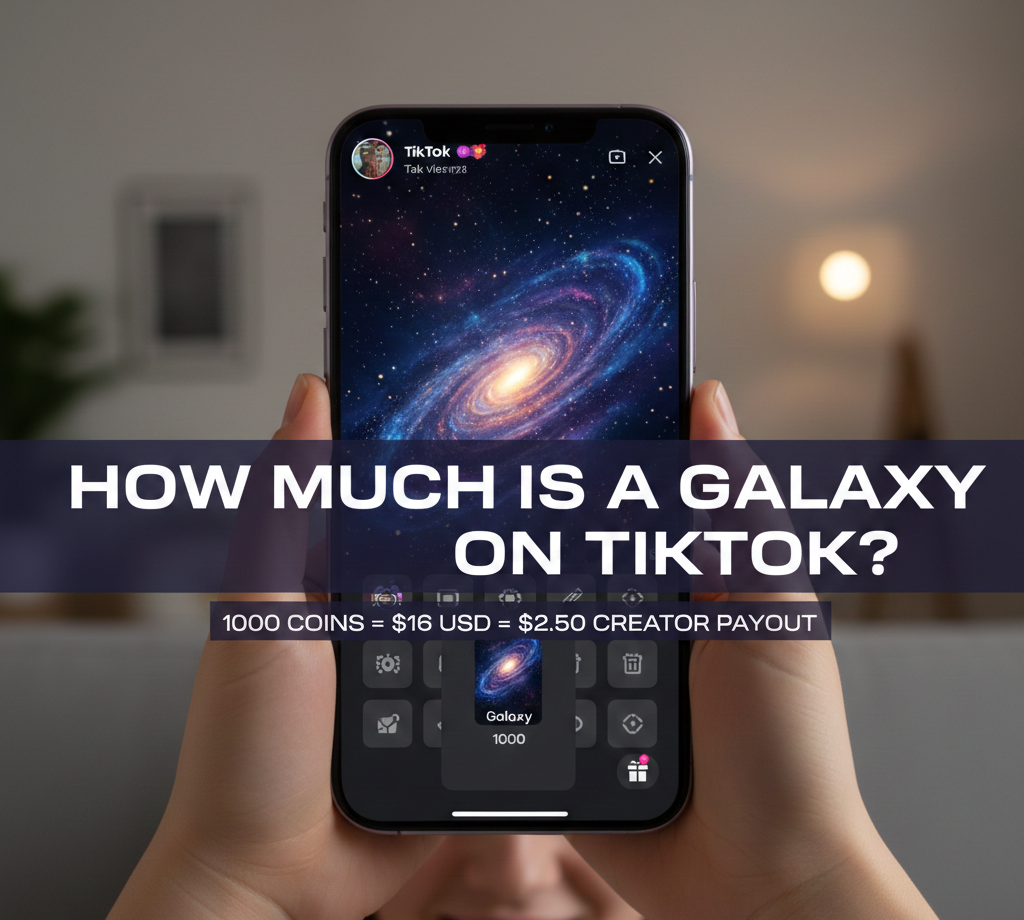
How Much Is A Galaxy On TikTok
A Galaxy on TikTok costs 1,000 coins to send during live streams. You spend about $16 in US dollars to purchase enough coins for this popular virtual gift option.
Creators receive only a fraction of what you spend on these gifts. TikTok converts coins to diamonds at a 50% rate. A Galaxy gift becomes 500 diamonds for the creator to cash out later.
Those 500 diamonds equal roughly $2.50 in real money. Many TikTok users want to understand this gifting system before spending their hard earned money. This guide explains the true cost and the sending process for Galaxy gifts.
How To Send A Galaxy On TikTok?
Before sending a Galaxy gift, you need coins in your TikTok wallet. You must be at least 18 years old to purchase coins or send gifts.
Some regions require users to be 19 or older. The platform restricts gifting to certain countries only.
Open The TikTok App
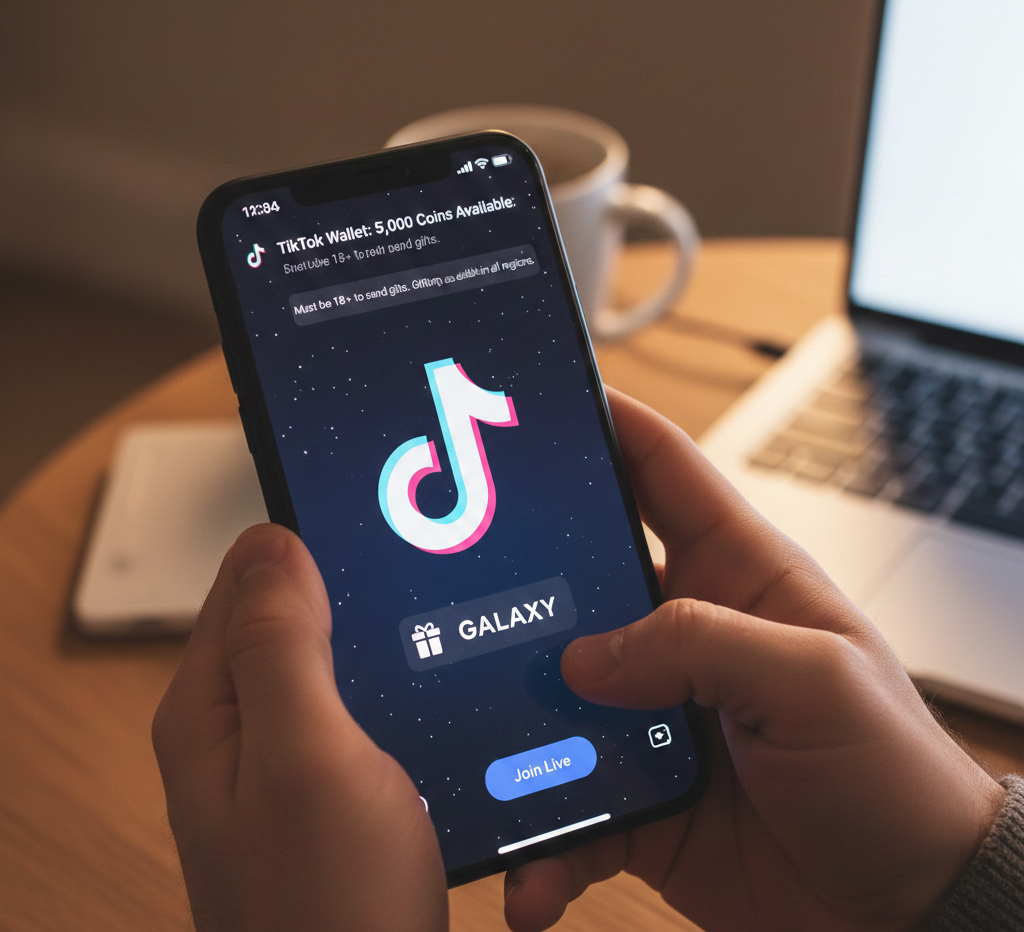
Launch TikTok on your phone and log into your account. Make sure you have coins available in your wallet before joining a live stream.
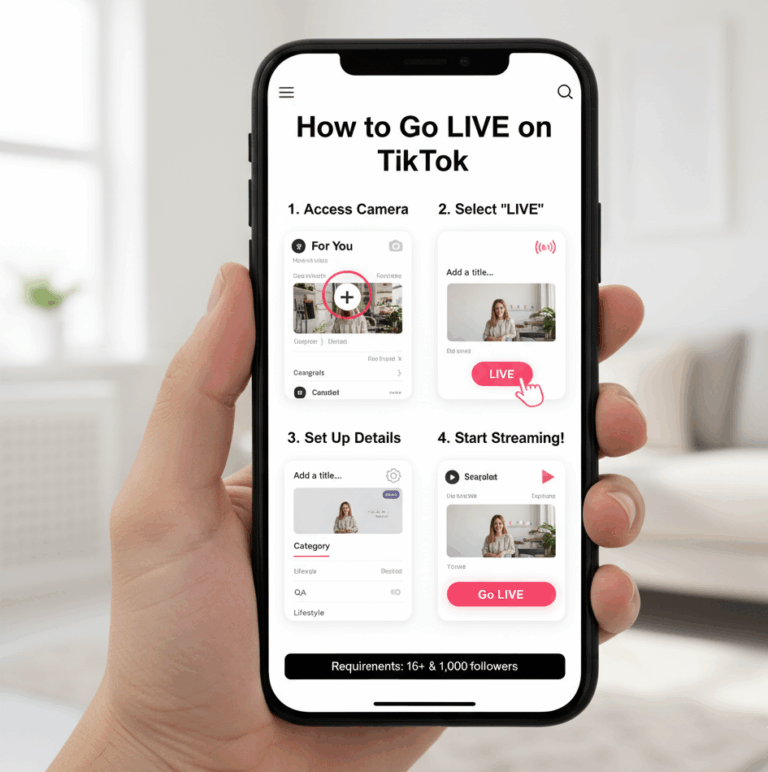
Join A Live Stream

Find a creator who is currently broadcasting live. Tap on their live video to enter the stream. You can browse live content through the Live tab or your Following feed.
Locate The Gift Icon
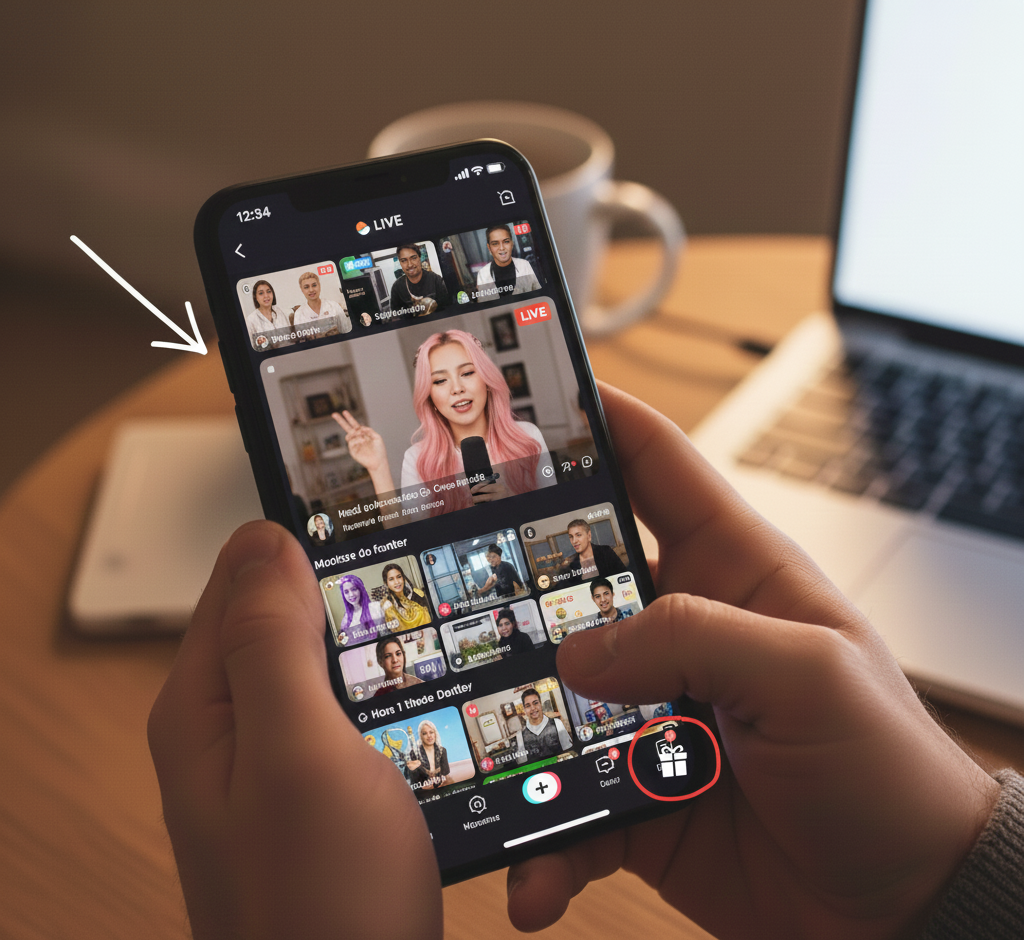
Look for the gift icon in the bottom right corner of the screen. It appears as a small wrapped present symbol during live broadcasts.
Check Your Coin Balance
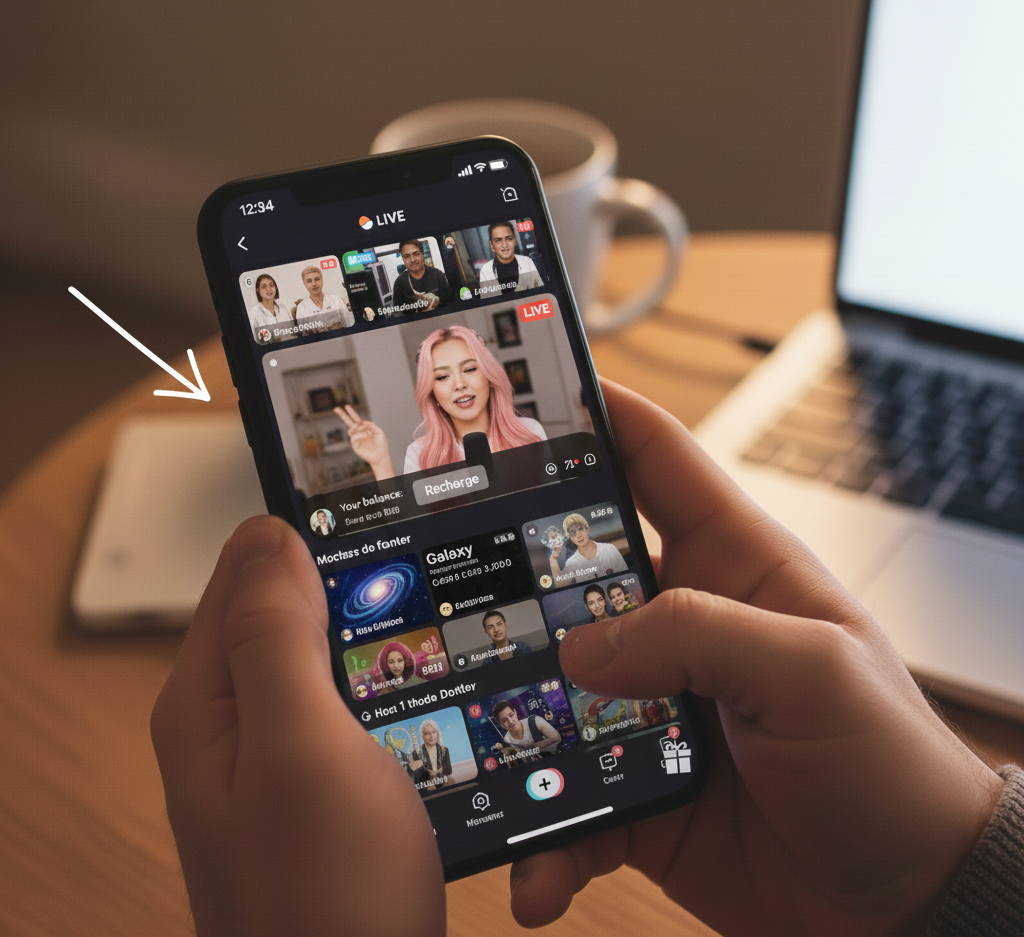
Tap the gift icon to open the gift panel. Your current coin balance displays at the top. If you need more coins, tap the recharge button nearby to purchase additional coins.
Find The Galaxy Gift
Scroll through the available gifts in the panel. The Galaxy gift sits lower on the list among mid tier options. Each gift shows its coin cost beneath the icon.
Send The Galaxy Gift
Tap the Galaxy icon and then press the send button below it. Your 1,000 coins deduct from your balance immediately. The gift animation plays on screen for both you and the creator.
Confirm The Transaction
TikTok processes your gift instantly. The creator sees your username with the Galaxy animation. No confirmation popup appears, so double check before tapping send.
You can only send Galaxy gifts during live streams. Regular video comments do not support virtual gift attachments.
This keeps the Galaxy as a special live interaction feature. If you want to learn more about TikTok monetization, creators earn through multiple revenue streams beyond gifts.
FAQs
How much does a Galaxy cost on TikTok in real money?
A Galaxy costs approximately $16 USD. You need 1,000 coins to send one. Coin prices vary slightly by region and bundle size. Check current TikTok coin prices for exact rates.
How much money does a creator get from a Galaxy gift?
Creators receive about $2.50 from a Galaxy gift. TikTok takes a significant cut through platform fees. The 1,000 coins convert to 500 diamonds, which equal roughly $2.50 USD.
Can I send a Galaxy on regular TikTok videos?
No, Galaxy gifts work only during live broadcasts. You cannot attach virtual gifts to standard video comments. This limitation makes live stream gifts exclusive to real time interactions with creators.
What is the difference between Galaxy and Universe gifts?
Galaxy costs 1,000 coins while Universe costs 44,999 coins. Universe is the most expensive TikTok gift available. Galaxy offers a more affordable option for showing meaningful support to creators.
Do I need a minimum age to send TikTok gifts?
Yes, you must be 18 years or older to send gifts. South Korea requires users to be 19. TikTok verifies age before enabling coin purchases and gift sending features.