How To Delete TikTok Account
Deleting your TikTok account removes your profile, videos, and data from the platform. The process gives you a 30-day window to change your mind before everything disappears permanently.
You might want to delete your account for privacy reasons, to take a break from social media, or because you no longer use the app.
The platform has grown to include millions of active Tiktok users, but leaving is straightforward when you’re ready.
This guide walks you through the deletion process on mobile devices and covers what happens to your content after you submit the request.
How To Delete TikTok Account?
You can remove your TikTok account directly through the mobile app. The entire process takes about two minutes.
Open Your Profile Settings

Launch TikTok on your phone. Tap the profile icon at the bottom right corner of your screen.
Look for the three horizontal lines in the top right corner. Tap them to open the main menu.
Access Account Management
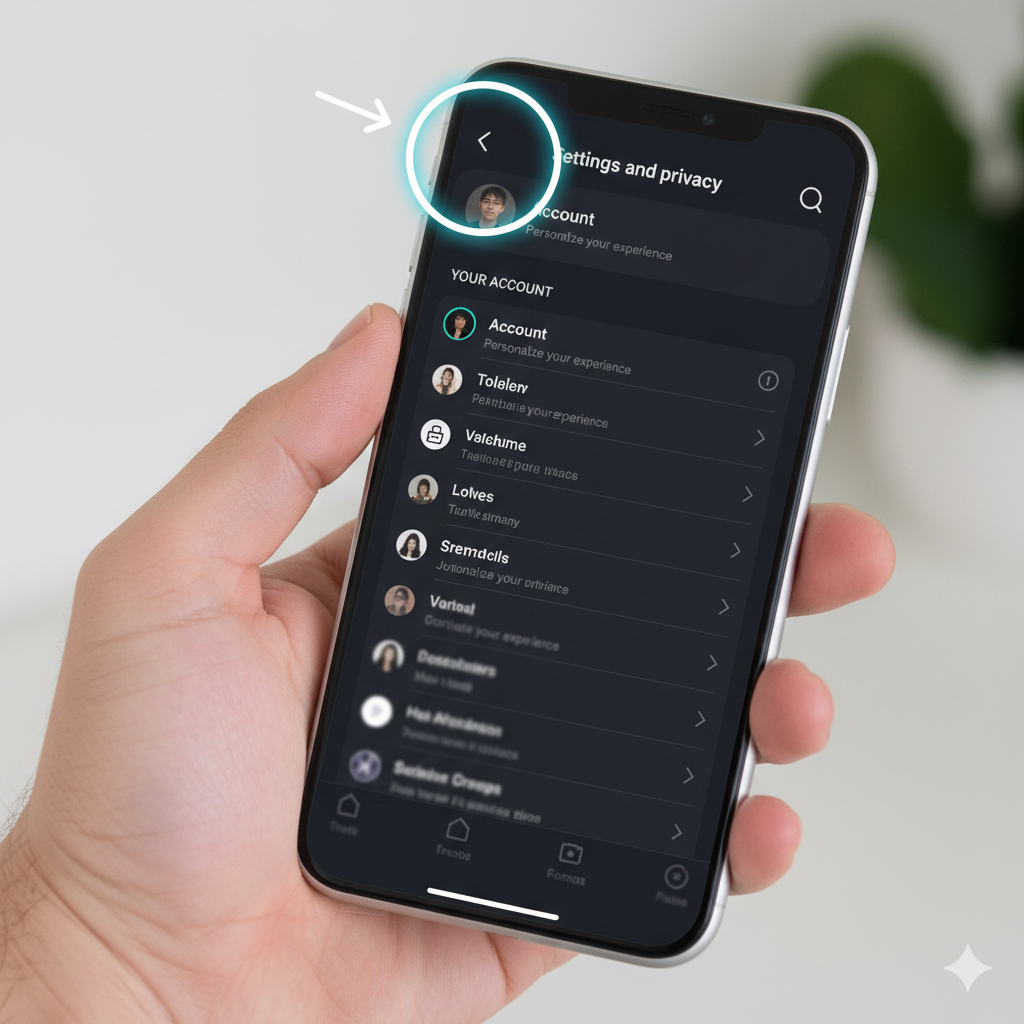
Select “Settings and privacy” from the menu options. You’ll see several categories listed on this screen.
Tap “Account” under the first section. Scroll down through the account options until you find “Deactivate or delete account.”
Choose Permanent Deletion

Select “Delete account permanently” when the options appear. TikTok will ask you to pick a reason from a dropdown list, but you can skip this step.
Tap the circular button at the bottom of the screen. Then select “Continue” to move forward.
Verify Your Identity
Enter your password when prompted. This confirms you own the account and prevents unauthorized deletions.
After entering your password, TikTok will display a final confirmation screen explaining the 30-day grace period.
Download Your Data (Optional)
Before you confirm, consider downloading your content. Tap “Request download” if you want to save your videos and information.
This option disappears after you delete the account, so grab your data now if you need it.
Complete the Deletion
Press the red confirmation button to finalize your request. Your profile disappears immediately from public view.
All content, messages, and account data will be permanently erased after 30 days. You can sign back in anytime during this month to cancel the deletion.
What Happens Next
Your username becomes unavailable to others during the grace period. Videos stop appearing in feeds and search results right away.
If you don’t log in within 30 days, TikTok removes everything permanently. There’s no way to recover your account after this deadline passes.
In-app purchases become non-refundable once you delete your account, regardless of remaining subscription time.
FAQs
Can I recover my TikTok account after deleting it?
Yes, you can recover your account by logging back in within 30 days of deletion. After this grace period expires, recovery becomes impossible and all data is permanently erased.
Does deleting TikTok remove my videos from other platforms?
No, deleting your TikTok account only removes content from TikTok itself. Videos you shared to other social media platforms remain there unless you delete them separately.
How long does TikTok keep my data after deletion?
TikTok keeps your data for 30 days after you request deletion. During this period, your profile stays hidden but data remains recoverable. Permanent deletion occurs on day 31.
Can I delete TikTok without the app?
Yes, you can request account deletion by contacting TikTok support directly through their website. Submit your username, registered email, and verification documents. Support typically responds within several business days.
What’s the difference between deleting and deactivating TikTok?
Deleting permanently removes your account after 30 days. Deactivating temporarily hides your profile but preserves all content. You can reactivate a deactivated account anytime by logging back in.