How To Make A Sound on TikTok
Creating custom audio on TikTok gives you control over your content’s sound. TikTok doesn’t support direct audio uploads. You need to attach your desired audio to a video first, then extract it as a reusable sound.
This process lets you turn any audio into a sound other users can access. You can create sounds from original music, voice recordings, sound effects, or dialogue. The audio becomes part of TikTok’s library once you publish it.
Understanding this feature helps you build a unique content identity and encourages others to use your sounds.
How To Make A Sound on TikTok?
The process requires pairing your audio with visual content before extraction. You can keep the video private if you don’t want it on your public profile.
Open TikTok and Start Creating
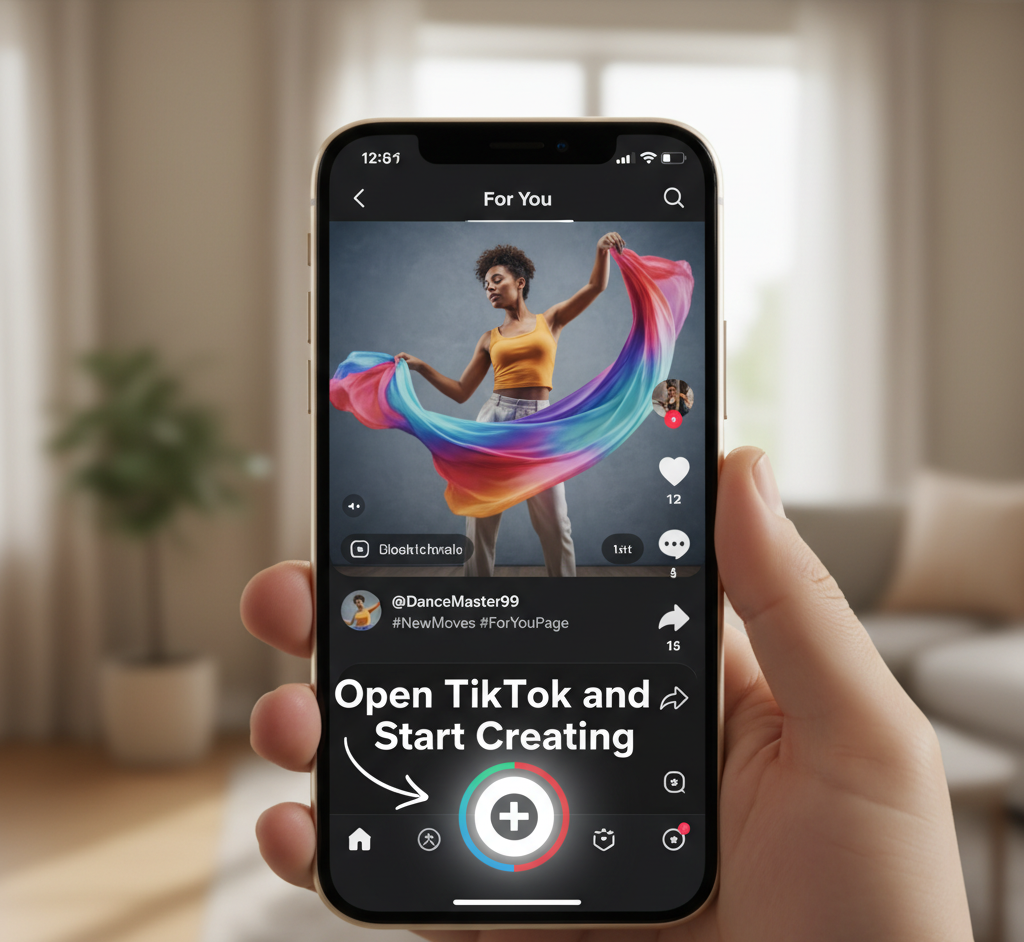
Launch the TikTok app on your device. Tap the plus button at the bottom center of your screen.
This opens the creation interface where you’ll build your content.
Choose Video Format
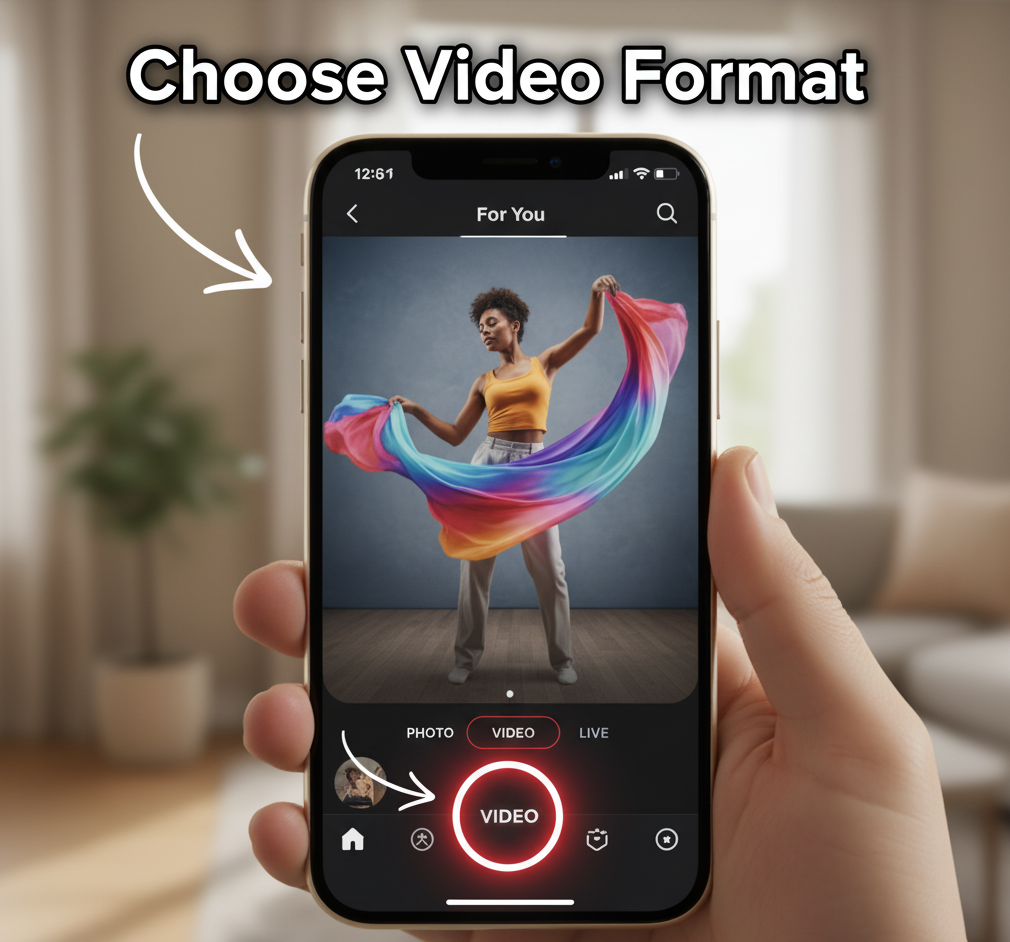
Select the Video option from the available formats. TikTok requires visual content to upload audio.
You can’t skip this step. The platform’s design requires every sound to have an accompanying video clip.
Record or Upload Your Video
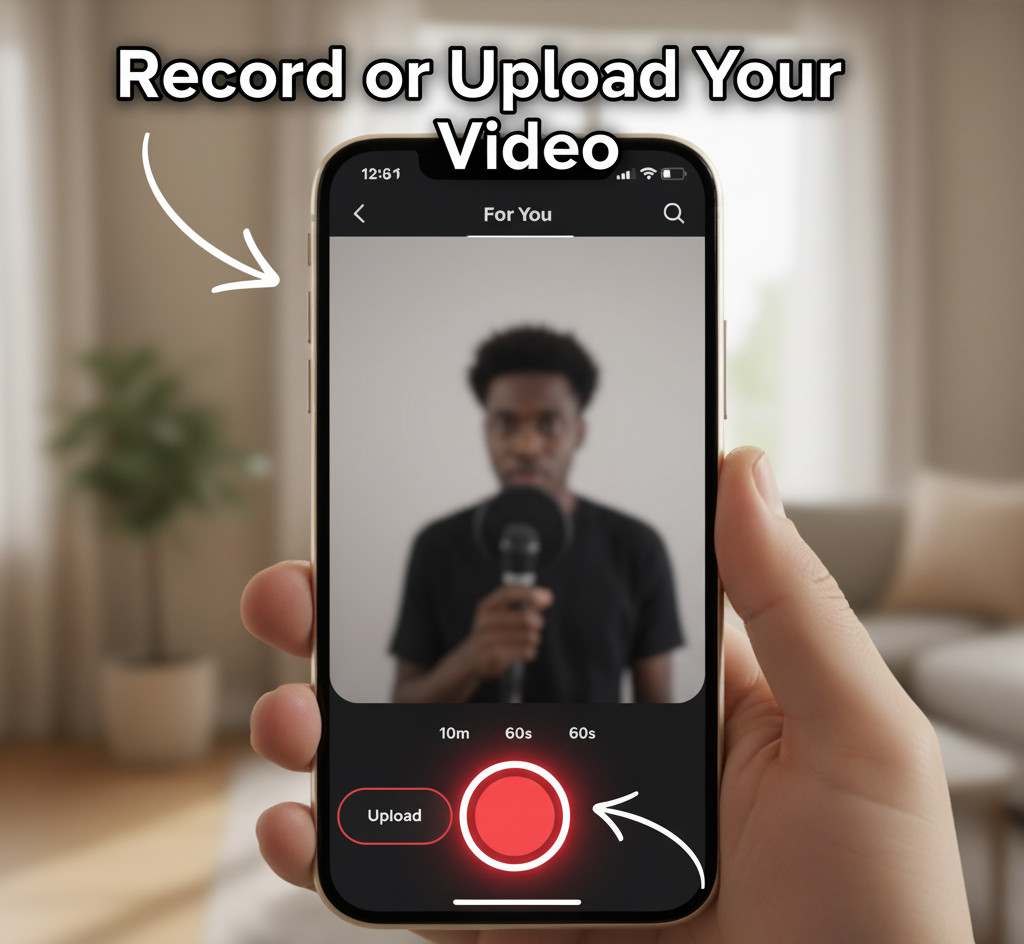
Capture new footage using your camera or select existing content from your gallery. The video length should match your audio duration.
Keep your video simple if the audio is your main focus. A static image or basic recording works fine.
Add Your Audio
If you recorded directly in TikTok, your audio is already attached. For pre-recorded audio, use a video editing app like InShot or CapCut to combine your audio file with your video clip before uploading.
Export the combined file and upload it to TikTok through the gallery option.
Adjust Privacy Settings
Before posting, tap the “Who can view this video” option. Change it from “Everyone” to “Only me” if you want to keep the video private.
This hides the video from your public profile but still creates the sound. You can access private videos through your profile’s private section.
Post Your Video
Add a caption and relevant hashtags. Tap Post to upload your content.
Wait for the upload to complete. The video processes within seconds.
Access Your New Sound
Go to your profile and open the video you just posted. Tap the rotating disc icon at the bottom right corner.
This opens the sound page showing your audio details.
Save the Sound
On the sound page, tap the bookmark icon to add it to your favorites. You can also rename the sound here for easy identification later.
Your sound is now ready to use in future videos. Other users can find and use it too if your video was public.
FAQs
Can I upload audio directly to TikTok?
No. TikTok requires you to attach audio to a video first. Direct audio uploads aren’t supported by the platform’s current design.
Do I need to make my video public to create a sound?
No. You can set your video to “Only me” during posting. The sound still becomes available for your use while keeping the video private.
What video length works best for creating sounds?
Match your video length to your audio duration. TikTok allows videos up to 10 minutes, so your sound can be that long too.
Can I use copyrighted music to make a TikTok sound?
Avoid using copyrighted material. It limits your content’s reach and may result in removal. Use original recordings or properly licensed tracks instead.
How do I find sounds I’ve created?
Check your favorites by tapping the bookmark icon on your profile. Your saved sounds appear here for quick access during video creation.