How To Change Birthday On Tiktok?
TikTok doesn’t let you edit your birthday directly in the app settings. You need to contact their support team to update this information.
Your birth date affects what content you see and what account features you can access.
Many users want to correct mistakes made during registration or update outdated information.
This guide shows you the exact steps to request a birthday change from TikTok’s support team.
The process typically takes a few days to complete and requires a valid government-issued ID to verify your identity.
Once you submit your request, TikTok reviews it and updates your account if approved.
How To Change Birthday On TikTok?
Changing your birthday on TikTok requires submitting a support request. The platform removed direct editing to prevent misuse and protect younger users. Follow these steps to submit your request correctly.
Open TikTok And Access Your Profile
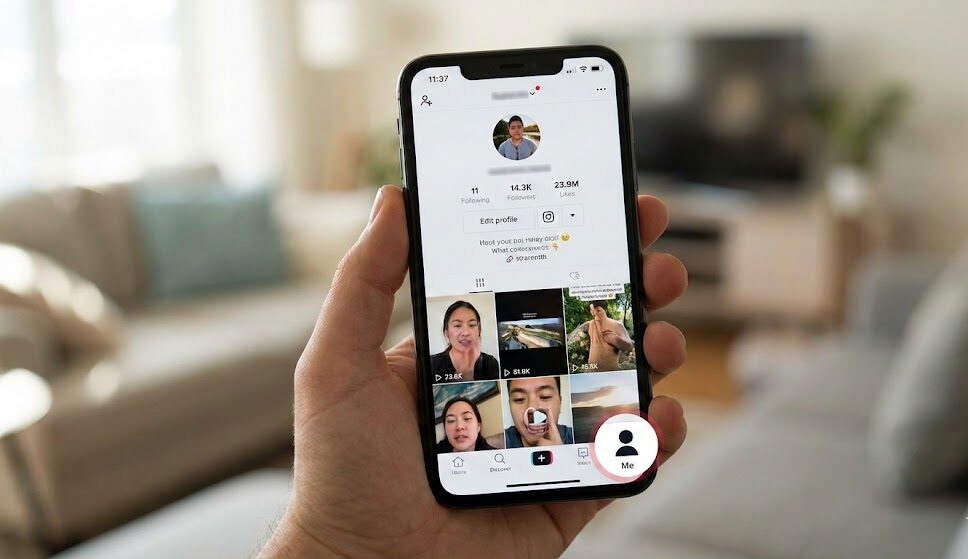
Launch TikTok on your device.
Tap the profile icon in the bottom right corner. This takes you to your personal account page where you can access settings.
Navigate To Settings And Privacy
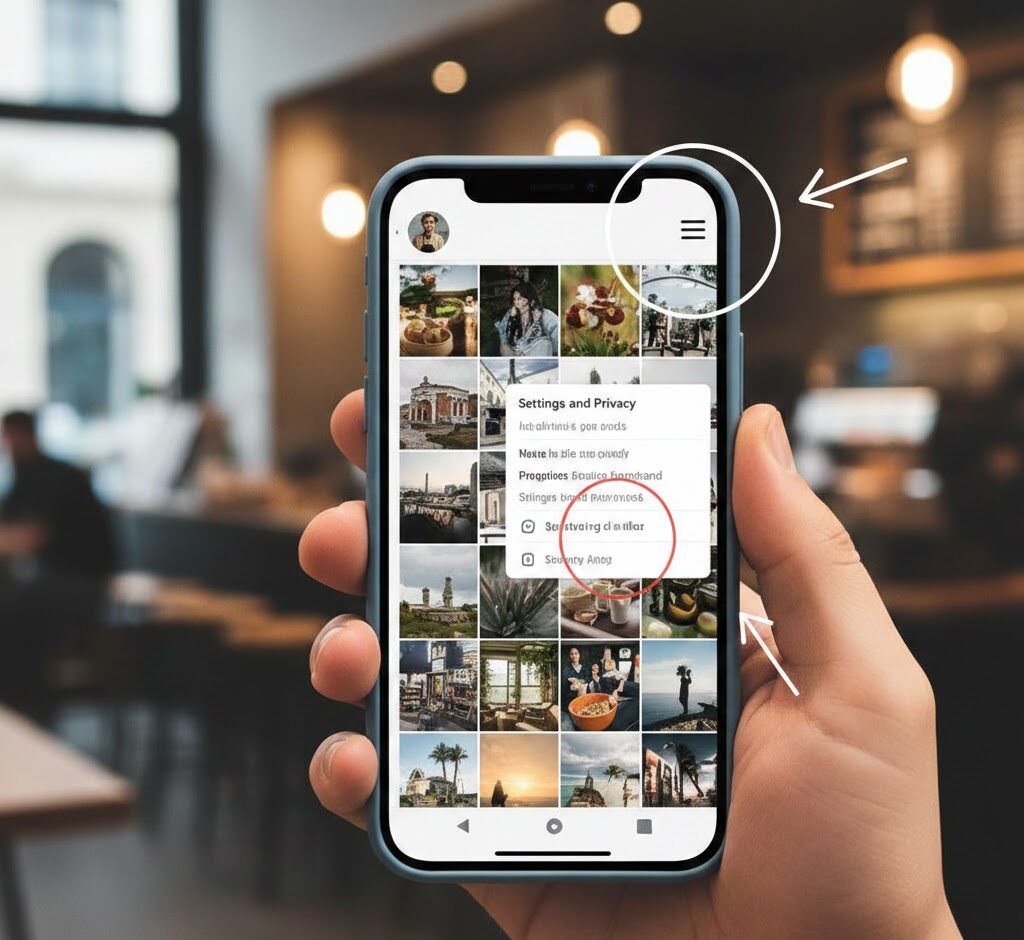
Tap the three horizontal lines at the top right of your profile.
Select “Settings and Privacy” from the menu that appears. This opens your account configuration options.
Find The Report A Problem Option
Scroll down through the settings menu.
Look for “Report a Problem” and tap it. This section handles support requests for various account tasks.
Select Account And Profile Category
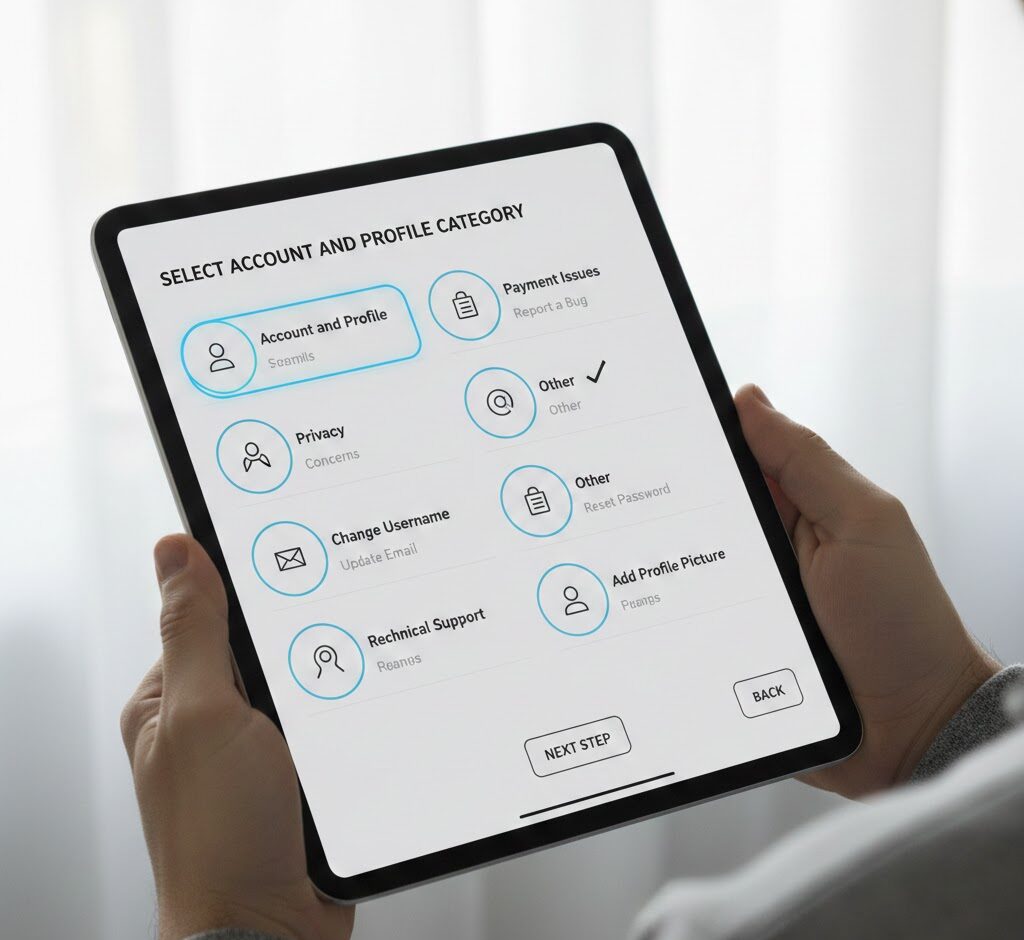
Choose “Account and Profile” from the problem categories.
Then select “Editing Profile” from the next screen. If you don’t see a birthday-specific option, choose “Other” instead.
Request Additional Support
Tap “Need More Help” when prompted.
This opens a form where you can explain your request in detail. The support team reads these submissions and responds within a few business days.
Submit Your Request With ID Verification
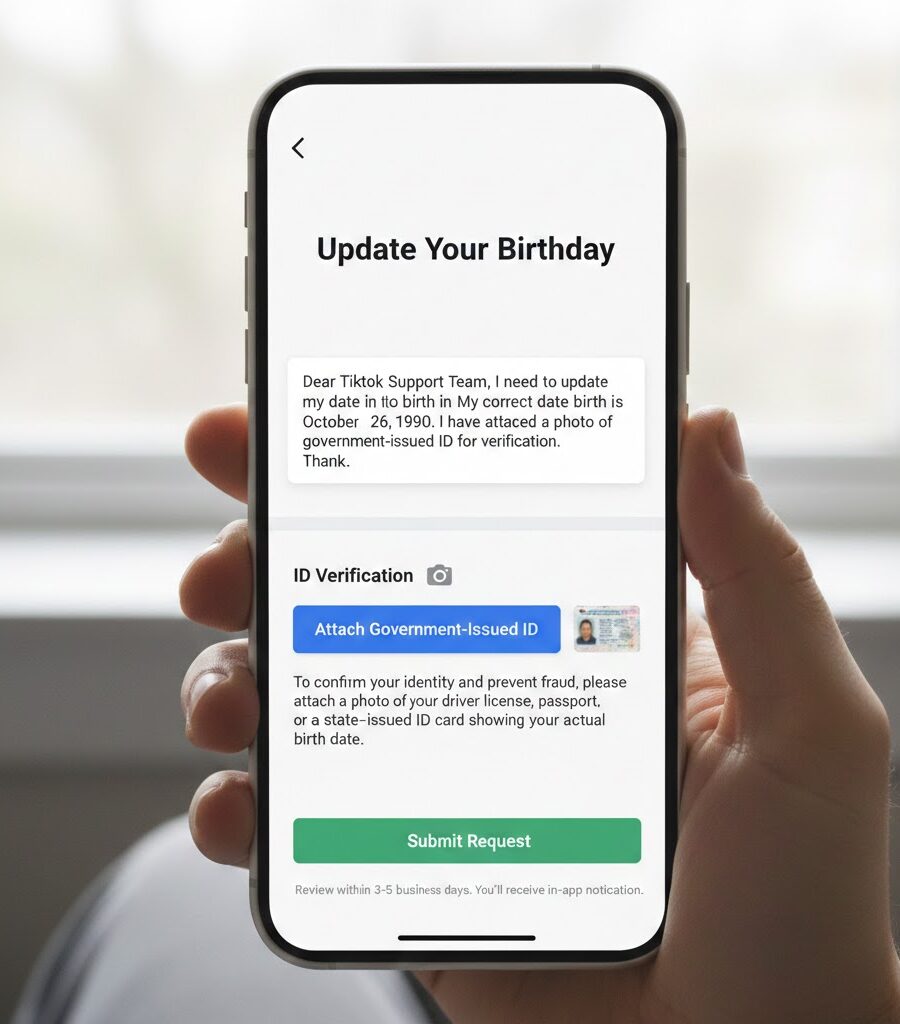
Write a clear message explaining that you need to update your birthday. Include your correct date of birth in the message.
Attach a photo of your government-issued ID showing your actual birth date. The ID verification step confirms your identity and prevents fraud. TikTok accepts driver’s licenses, passports, and state-issued ID cards.
Wait for TikTok’s support team to respond. They typically review requests within three to five business days. You’ll receive a notification through the app when they process your request.
If you create content on TikTok and use voiceovers, check out the TikTok voice generator to enhance your videos.
Understanding The Verification Process
TikTok reviews your ID carefully before making changes. The team verifies your ID is valid and matches your account information.
Your account age determines what content appears in your feed. Updating from a minor to adult account changes content recommendations.
The support team protects user privacy during verification. They don’t store your ID permanently and remove it after confirmation.
If denied, submit a new request with clearer photos. For more TikTok tips, visit how to link Instagram to TikTok.
FAQs
Can I Change My TikTok Birthday Without Contacting Support?
No, TikTok removed the direct editing option in 2021. You must submit a support request with ID verification to change your birth date on the platform.
How Long Does TikTok Take To Change My Birthday?
TikTok typically processes birthday change requests within three to five business days. Response times may vary during high-volume periods or holidays affecting support team availability.
What ID Does TikTok Accept For Birthday Verification?
TikTok accepts government-issued photo IDs including driver’s licenses, passports, and state ID cards. Your ID must be current, unexpired, and clearly show your full birth date.
Will Changing My Birthday Affect My TikTok Account?
Changing your birthday updates your content recommendations and available features. Switching from a minor to adult account changes content visibility and posting options.
Can I Change My Birthday On TikTok Multiple Times?
TikTok limits birthday changes to prevent abuse. You can request updates for legitimate corrections, but frequent change requests may trigger additional verification or account review by support staff.