How To Watch TikTok Without App
TikTok has become a global hub for short videos. But not everyone wants to install another app on their phone. Storage space runs out fast.
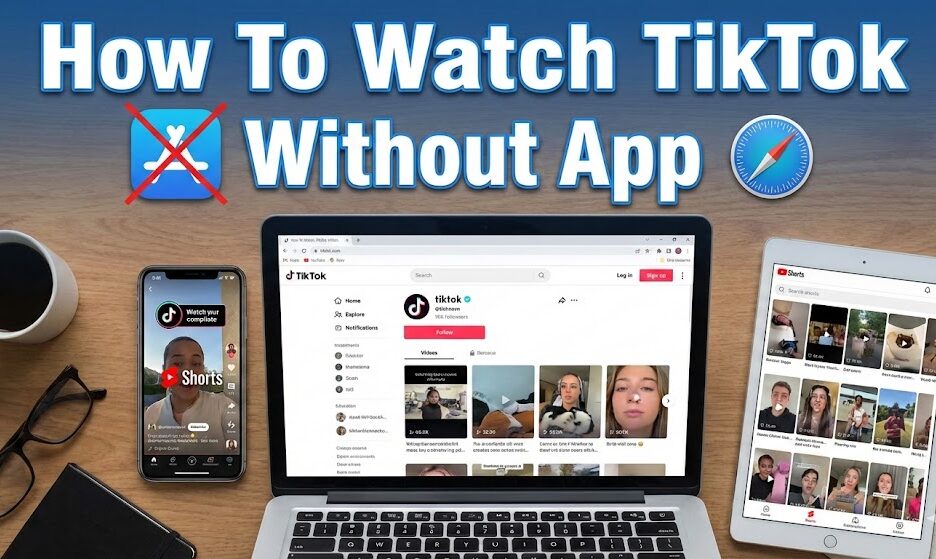
You can watch TikTok without the app using your web browser, third party websites, or other social platforms.
These options let you enjoy viral content without downloading any software to your device.
Many people skip the app to save storage space. Others prefer to avoid account registration or data collection. Some just want casual viewing without any long term commitment.
This guide shows you how to watch TikTok without app installation using three reliable methods.
How To Watch TikTok Without App?
You have several options to access TikTok content without downloading the app. Each method offers different features and levels of convenience.
Use the Official TikTok Website
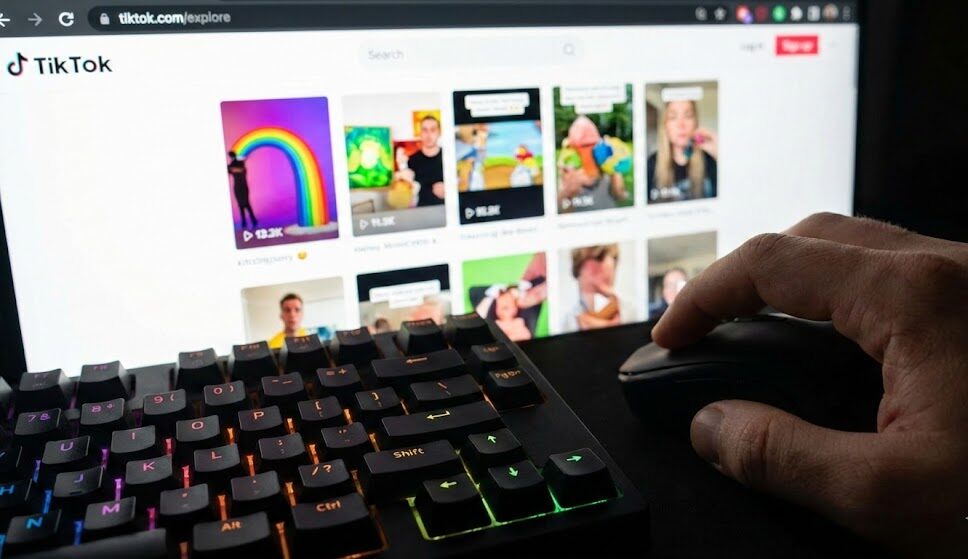
Open any web browser on your phone or computer.
Type tiktok.com/explore in the address bar.
The website loads a feed of trending videos.
Scroll through clips using your mouse or touchscreen.
Use keyboard shortcuts on desktop for faster navigation. Arrow keys move between videos. Press M to mute or unmute audio.
You can browse for hours without creating an account. Only liking, commenting, and following require registration.
Try Third Party Viewer Sites
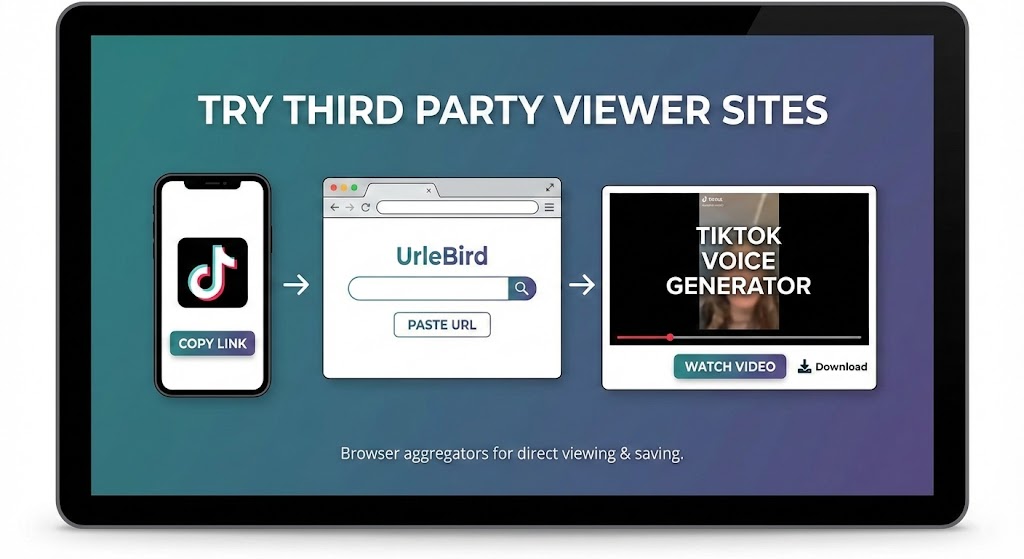
Several websites collect TikTok content in one place.
UrleBird lets you search by username and browse trending clips.
Paste any TikTok URL into these sites to watch without redirects.
Some platforms offer download options for saving videos.
These aggregators work well when shared links keep pushing you to the app store. Copy the link, paste it into a viewer site, and watch the content directly.
If you create content yourself, a TikTok voice generator can add professional narration to your videos before uploading.
Find Reposts on Other Platforms
TikTok videos spread across the internet constantly.
YouTube Shorts hosts millions of reposts and compilations.
Instagram Reels contains similar content from the same creators.
Facebook has a dedicated Reels section with crossover material.
Many creators post the same content on multiple platforms. Following them on YouTube or Instagram gives you access to their TikTok style content. Search for specific topics with words like compilation or trending to find curated collections.
Check the best times to post on TikTok if you decide to start creating your own short videos later.
Fix Broken Shared Links
Sometimes links from friends redirect to app stores instead of playing videos.
Find the question mark in the URL.
Delete everything after that character.
Press enter to reload the page.
The video should now play in your browser without interruptions.
FAQs
Can I watch TikTok on my computer without an account?
Yes. Visit tiktok.com/explore in any browser to watch videos immediately. No account or registration required for passive viewing. You only need an account to like, comment, or follow creators.
Do third party TikTok viewers cost money?
Most third party viewers are free. Sites like UrleBird let you browse and search without payment. Some offer premium features, but basic viewing costs nothing.
Is watching TikTok in a browser safe?
The official TikTok website is safe. Use caution with third party sites and stick to well known options. Avoid sites that ask for personal information or downloads.
Why do TikTok links keep opening the app store?
TikTok uses redirect codes to push mobile users toward the app. Remove everything after the question mark in the URL to bypass this redirect and watch in your browser.
Can I download TikTok videos without the app?
Yes. Some third party sites offer download buttons. You can also use browser extensions on desktop computers. Downloaded videos may include watermarks from the original platform.