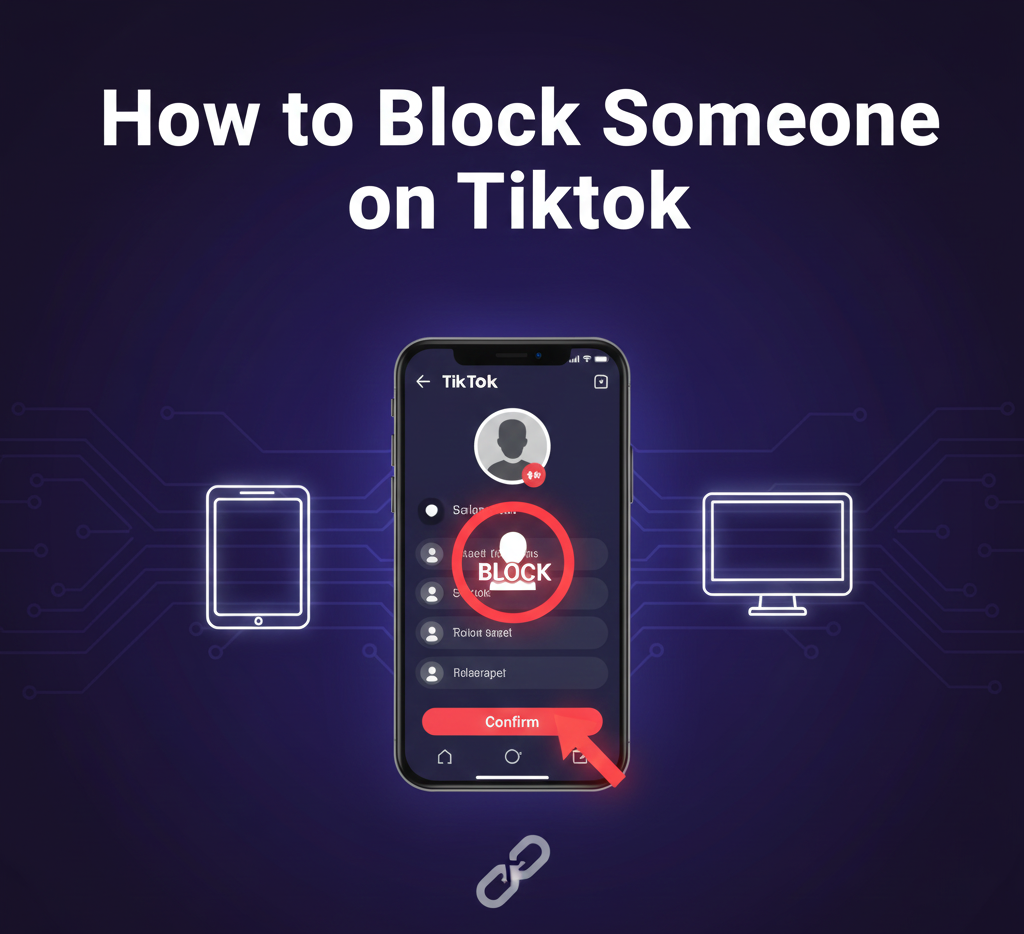
How to Block Someone on TikTok?
TikTok connects millions of users worldwide. Sometimes you need to remove certain accounts from your experience.
Learning how to block someone on TikTok protects your digital space from unwanted interactions. The blocking feature stops specific users from viewing your profile, sending messages, or commenting on your content.
You might want to block spam accounts, trolls, or people who post negative comments. TikTok makes this process simple whether you use iPhone, Android, or desktop.
Once you block someone, they lose all access to your account. This guide walks you through each step.
How To Block Someone on TikTok?
The blocking process takes less than a minute. You can block users from their profile page or directly from comments. These steps work on all devices and app versions.
Open the TikTok App
Launch TikTok on your mobile device or visit tiktok.com on your desktop browser. Make sure you are logged into your account before proceeding.
Find the User You Want to Block
Search for the username in the search bar at the top of the screen. You can also find them through your followers list, comments section, or direct messages.
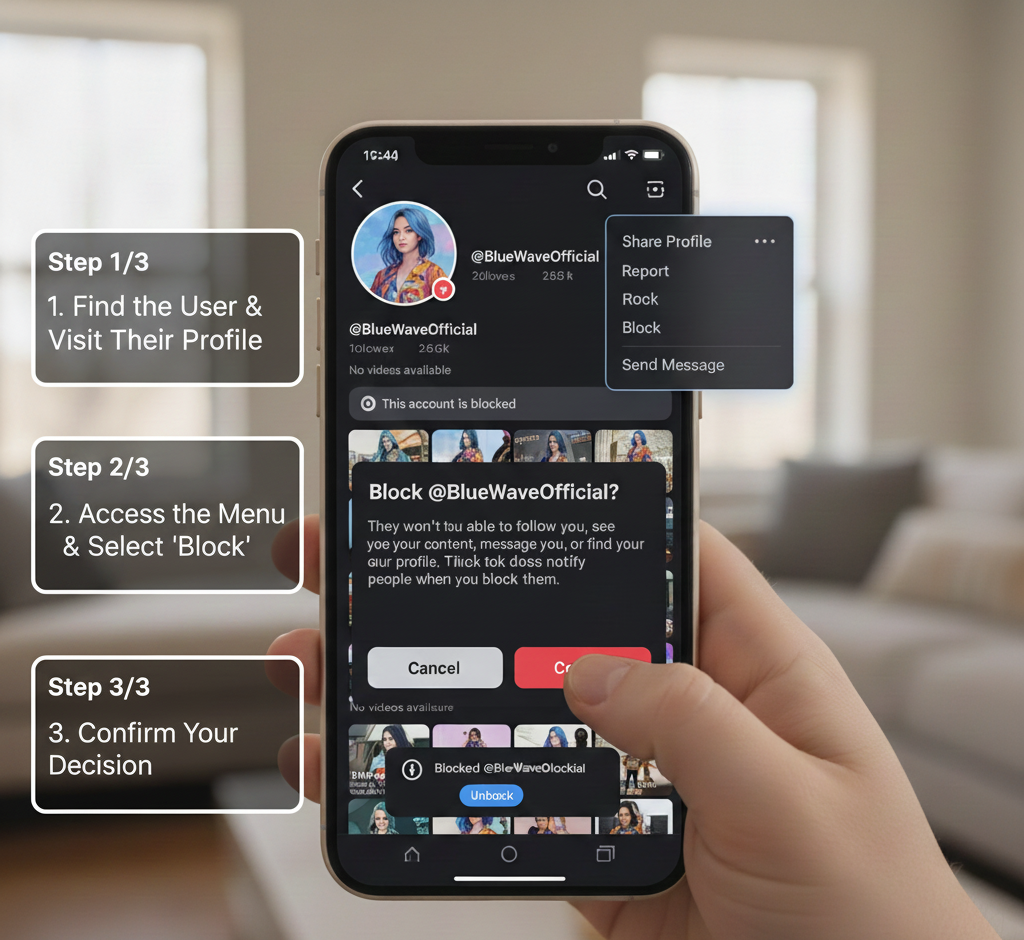
Visit Their Profile Page
Tap on their username or profile picture to open their account page. This displays their videos, bio, and follower count.
Access the Menu Options
Look for the three-dot icon or arrow symbol in the top right corner of their profile. Tap this icon to reveal additional options.
Select the Block Option
Choose “Block” from the menu list. TikTok will ask you to confirm this action.
Confirm Your Decision
Tap “Confirm” to complete the block. The user now cannot see your content, send you messages, or interact with your account in any way.
You can also block users directly from comments. Press and hold any comment from the user you want to block. A menu appears with the block option. This method saves time when dealing with trolls in your comment sections.
TikTok does not notify users when you block them. They simply lose the ability to find or interact with your account. If you create content regularly using tools like a TikTok voice generator, managing your audience through blocking helps maintain a positive community around your videos.
How to Unblock Someone
Changed your mind? Go to Settings and Privacy, then select Privacy. Tap Safety and choose Blocked accounts. Find the user and tap Unblock next to their name. You can also delete your TikTok account if you want to start fresh.
FAQs
Will a blocked user know I blocked them on TikTok?
No. TikTok does not send any notification when you block someone. The blocked person simply cannot find your profile or content anymore.
Can a blocked person still see my old comments?
No. When you block someone on TikTok, all your previous interactions become invisible to them. Your comments on their videos also disappear from their view.
Is there a limit to how many people I can block?
TikTok has not announced any official limit on blocking accounts. You can block as many users as needed to protect your experience on the platform.
Does blocking someone remove them as a follower?
Yes. Blocking removes the person from your followers list automatically. Your follower count decreases by one when you block an existing follower.
Can I block someone who already blocked me?
No. If someone blocks you first, you cannot access their profile to block them back. Both accounts become invisible to each other when one person initiates a block.