How To Unfollow Someone on TikTok
Managing your TikTok Following list keeps your feed relevant and clutter free. You might want to remove accounts that no longer post content you enjoy or creators whose style has changed.
Learning how to unfollow someone on TikTok takes just a few taps. The platform offers multiple methods depending on your situation.
TikTok does not notify users when you remove them from your Following list. They can still view your profile and videos unless you block them. This guide covers three approaches: unfollowing through profiles, using search, and removing multiple accounts at once.
How To Unfollow Someone on TikTok?
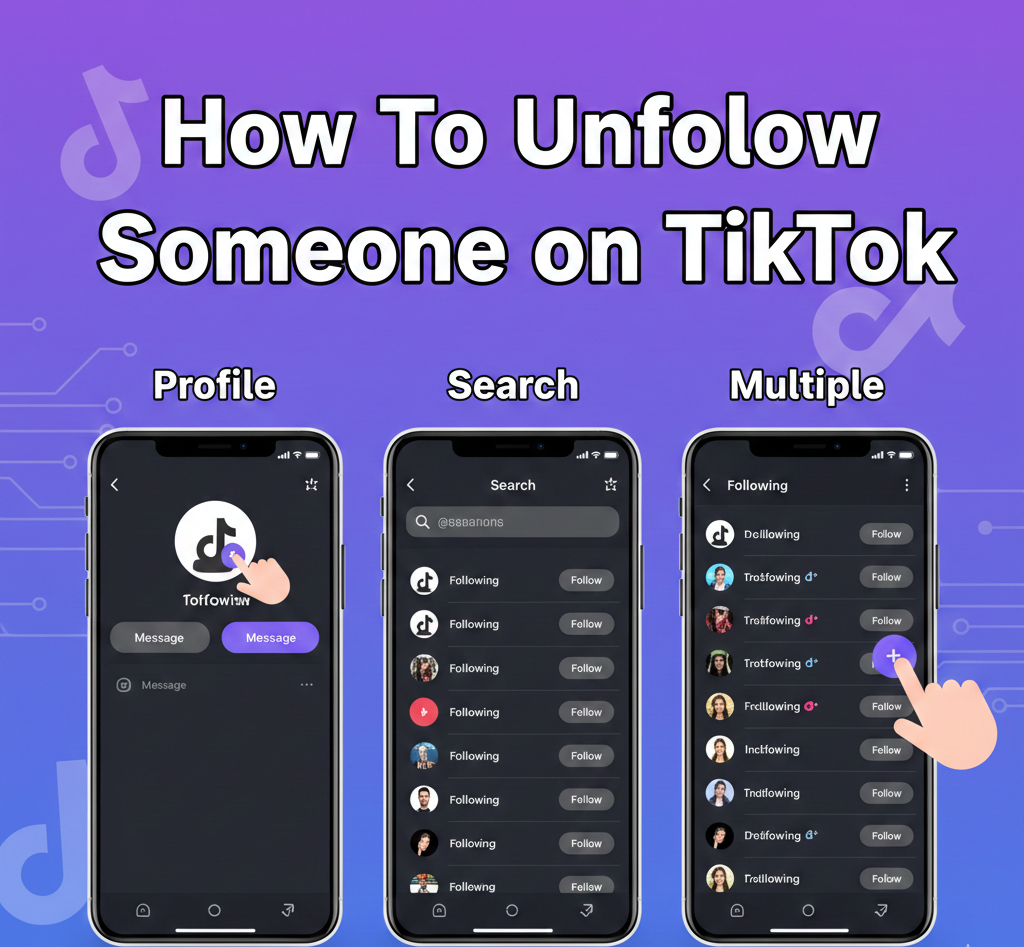
You can unfollow accounts using three different methods. Choose the one that fits your needs.
Unfollow Through Their Profile
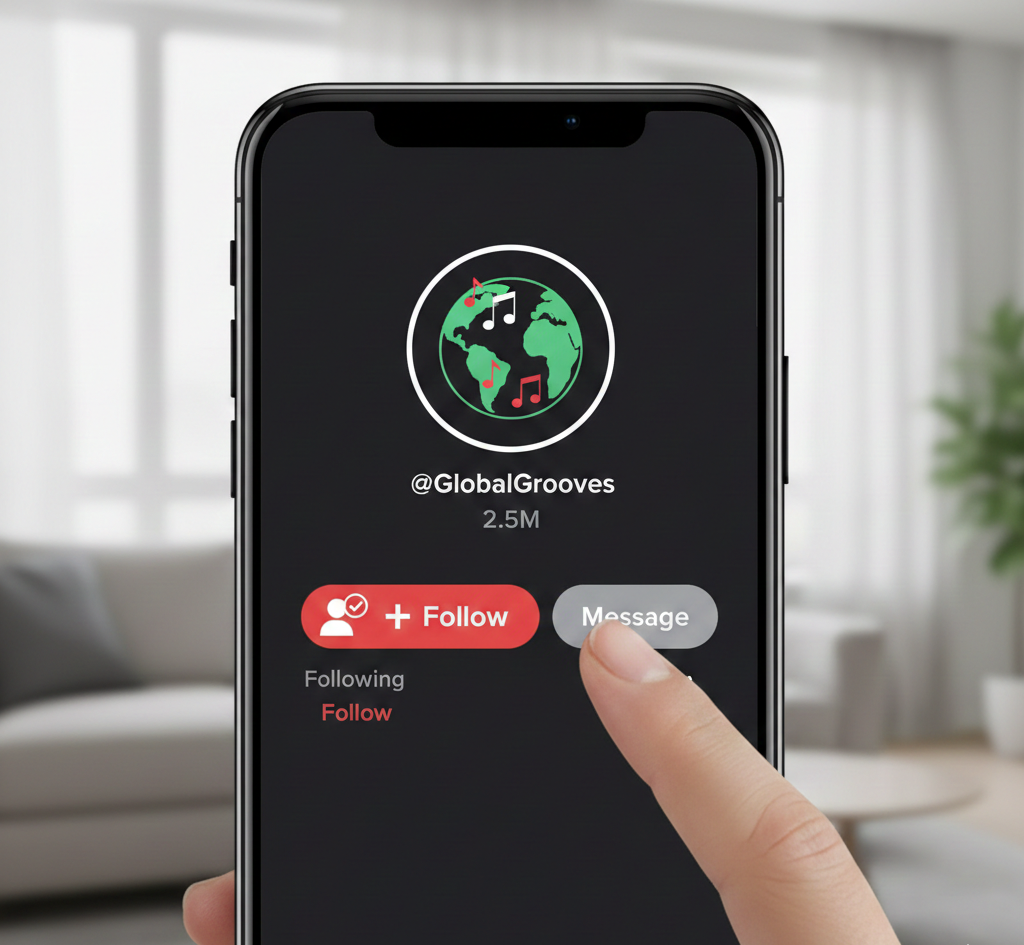
Open TikTok and find any video from the creator you want to remove. Tap their username to visit their profile page.
Look for the person icon with a checkmark next to the Message button. Tap this button once.
The icon changes to a plus sign and displays Follow. You have successfully removed them from your Following list.
Unfollow Using the Search Function
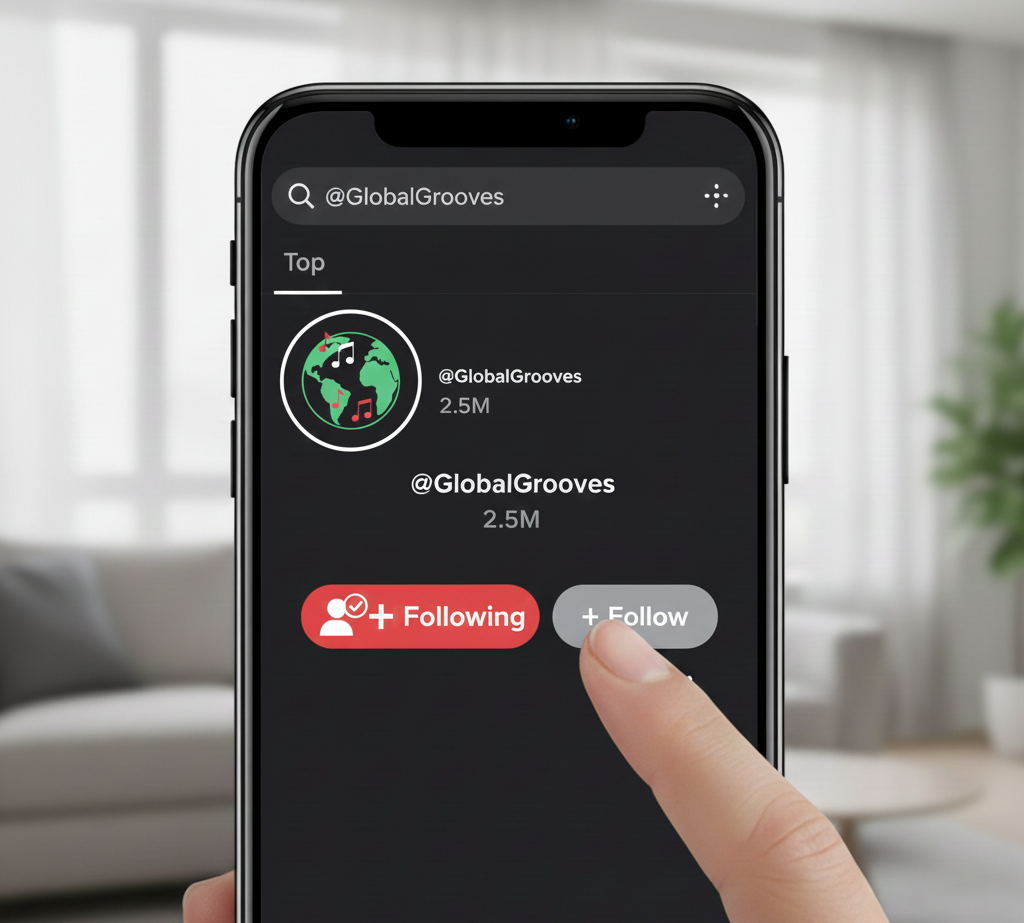
Tap the magnifying glass icon at the top of your screen. Type the account name in the search bar and press Enter.
The search results show the account with Following written beside their name. Tap Following once.
The text switches to Follow immediately. You no longer see their content in your feed.
Remove Multiple Accounts at Once
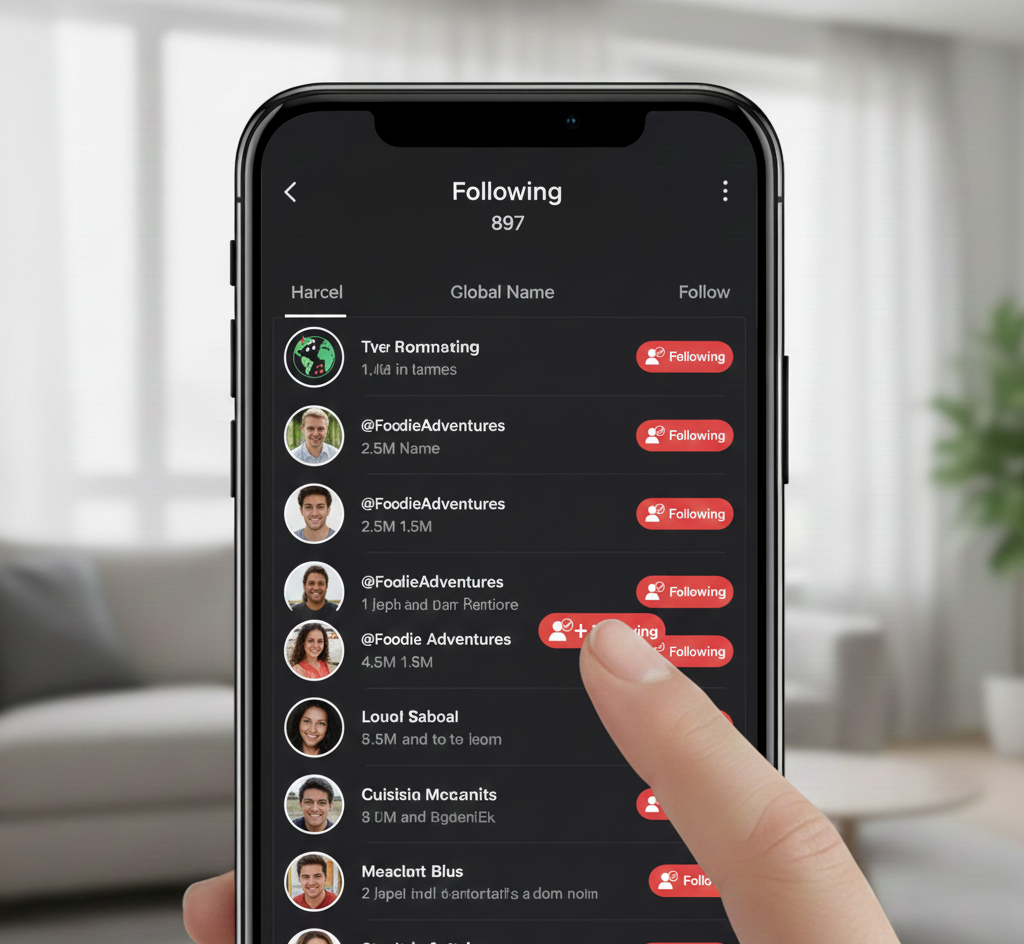
Tap the profile icon in the bottom right corner of your screen. Select Following from your profile page.
Your complete Following list appears on screen. Each account shows a Following button beside their name.
Tap Following next to each account you want to remove. The button changes to Follow after each tap.
Continue scrolling and removing accounts until you finish cleaning up your list. This method saves time when removing dozens of creators.
Unfollowing differs from blocking. When you unfollow someone on TikTok, they retain full access to your profile.
They can watch your videos, leave comments, and send messages. Consider blocking if you need complete separation from another user. You can also delete your TikTok account if you want to leave the platform entirely.
Regularly reviewing your Following list improves your TikTok experience. You see more content that matches your current interests. Creators who post consistently at optimal times tend to appear more frequently in feeds.
FAQs
Does TikTok notify someone when you unfollow them?
No, TikTok does not send notifications when you unfollow someone. However, they can manually check their follower count or list and notice the change.
Can someone still see my videos after I unfollow them?
Yes, unfollowing only removes their content from your feed. They retain full access to view your profile, watch your videos, and interact with your content.
What is the difference between unfollowing and blocking on TikTok?
Unfollowing removes their content from your feed while they keep access to your profile. Blocking completely restricts their ability to find or interact with your account.
Can I unfollow everyone on TikTok at once?
TikTok does not offer a mass unfollow button. You must remove accounts individually through your Following list, though this bulk method speeds up the process.
Will unfollowing someone remove their comments from my videos?
No, unfollowing does not affect existing comments. Their previous comments remain on your videos. You need to delete comments manually or block them to prevent future interactions.